Trending Topics

 Trending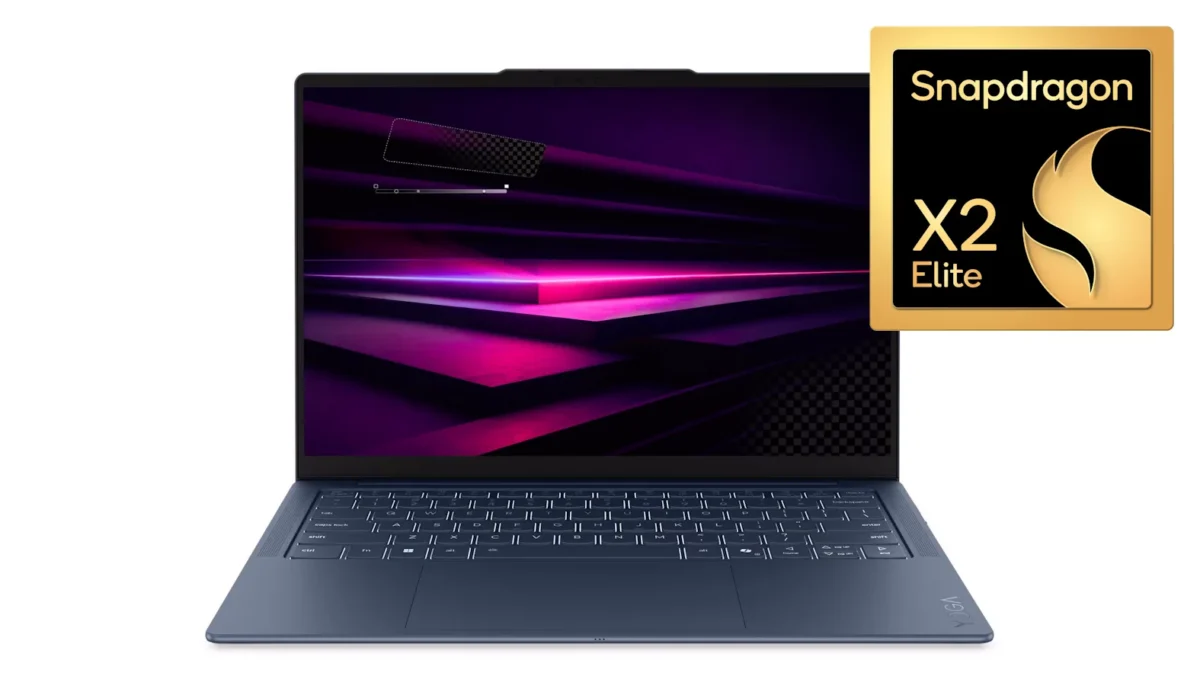
7 reasons this Qualcomm-powered Lenovo laptop is perfect for executives

I’ve been testing the Lenovo Yoga Slim 7x Gen 11 for a few weeks now, and I’ve come to a conclusion. Whilst Lenovo is aiming this laptop at consumers, it’s just as well suited to business users. It’s slim, its battery life is amazing, and the price is highly competitive.
But I shouldn’t get ahead of myself. In this article, I’ll provide seven reasons why I think IT teams should consider adding this stylish little laptop to their portfolio. And why executives may well fall in love with it.
1. It makes a great first impression
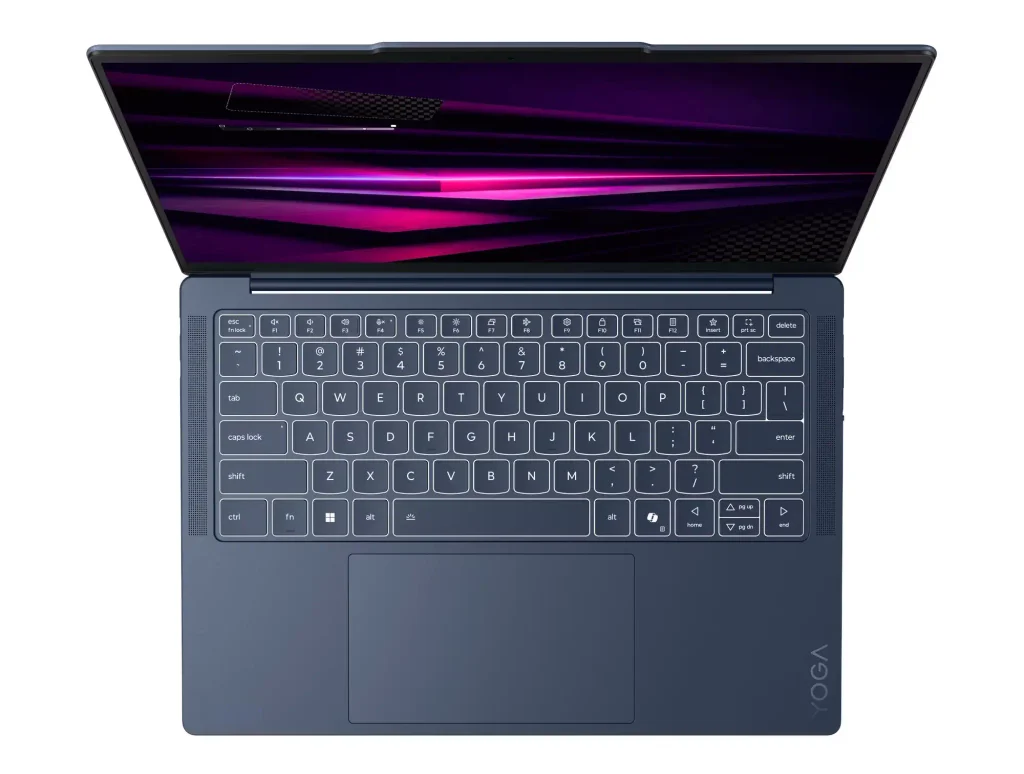
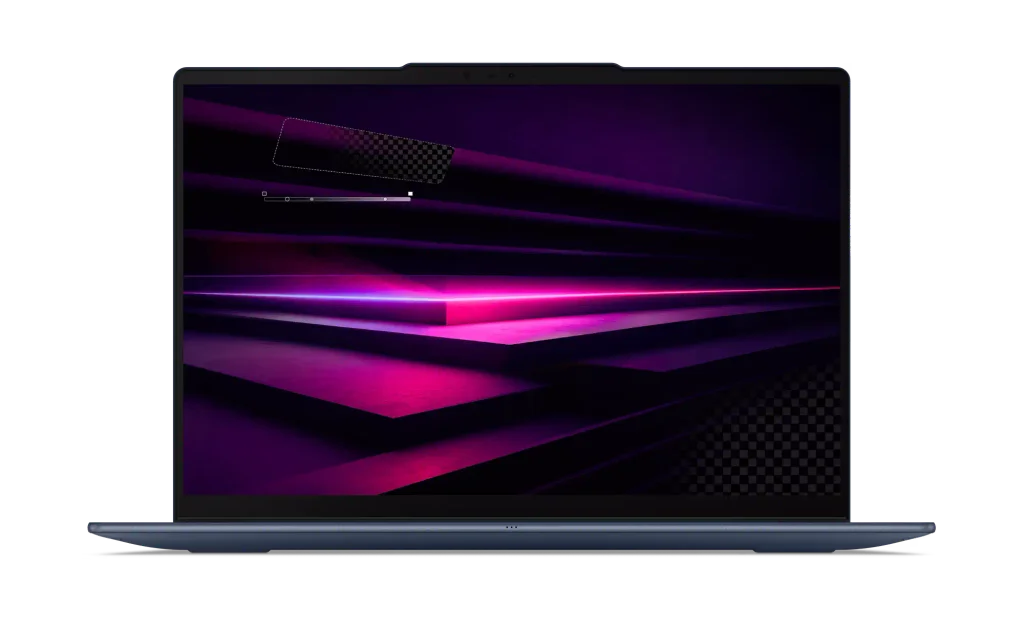
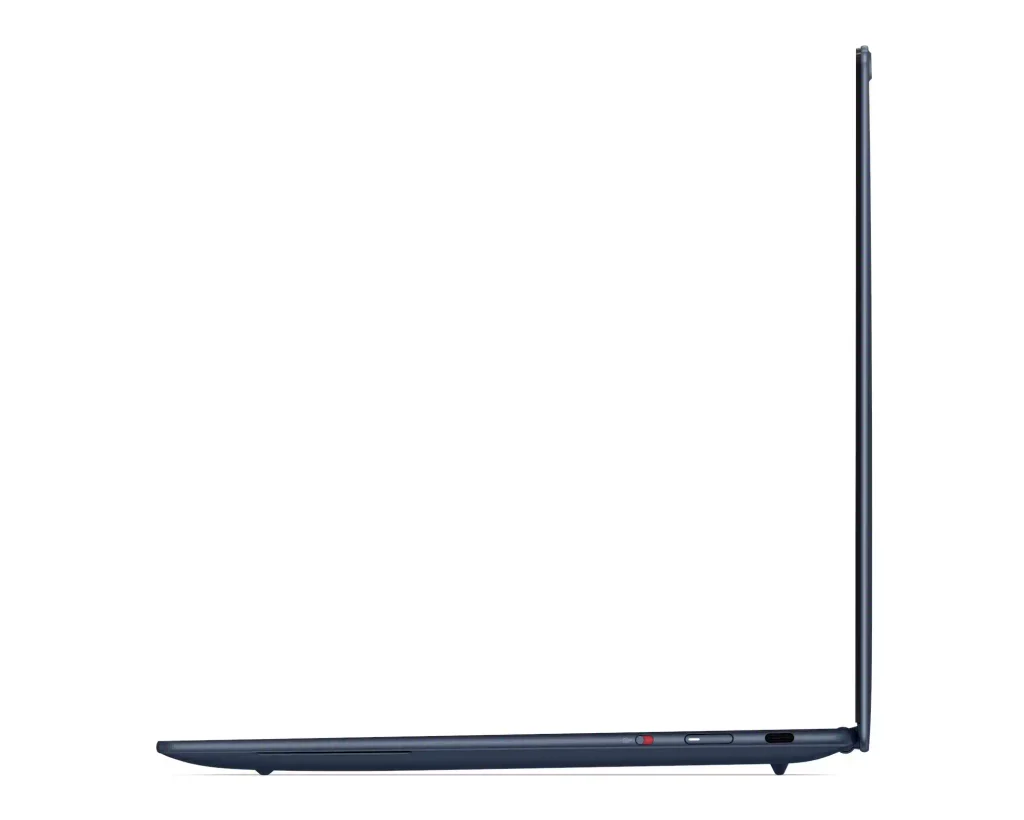
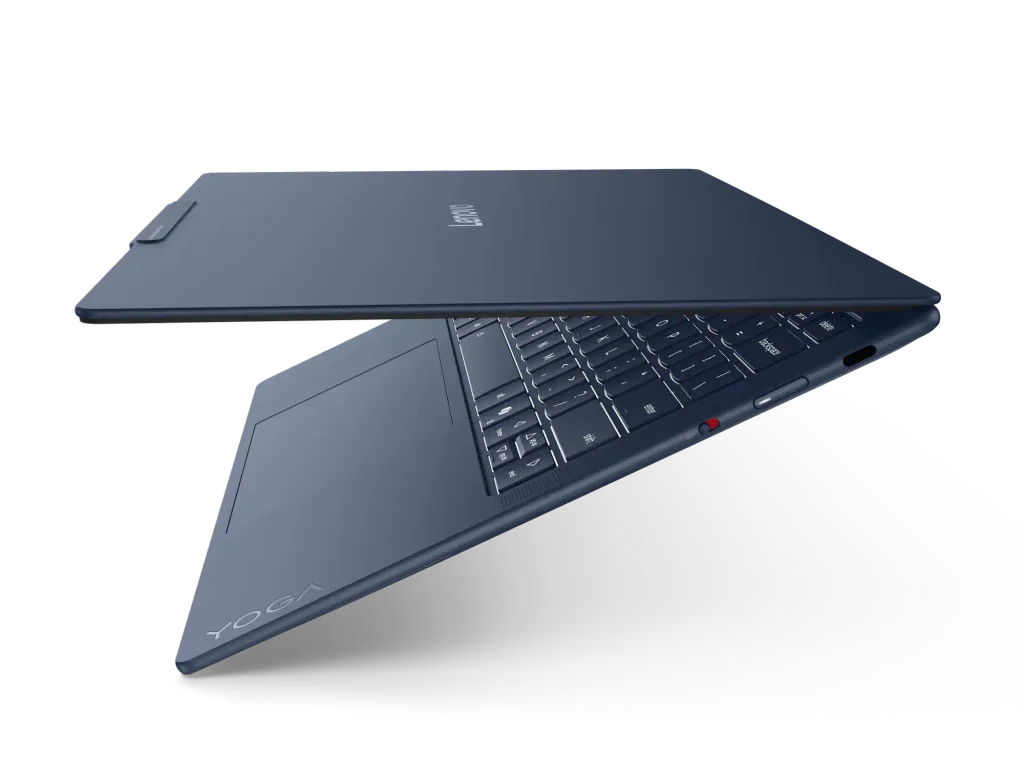
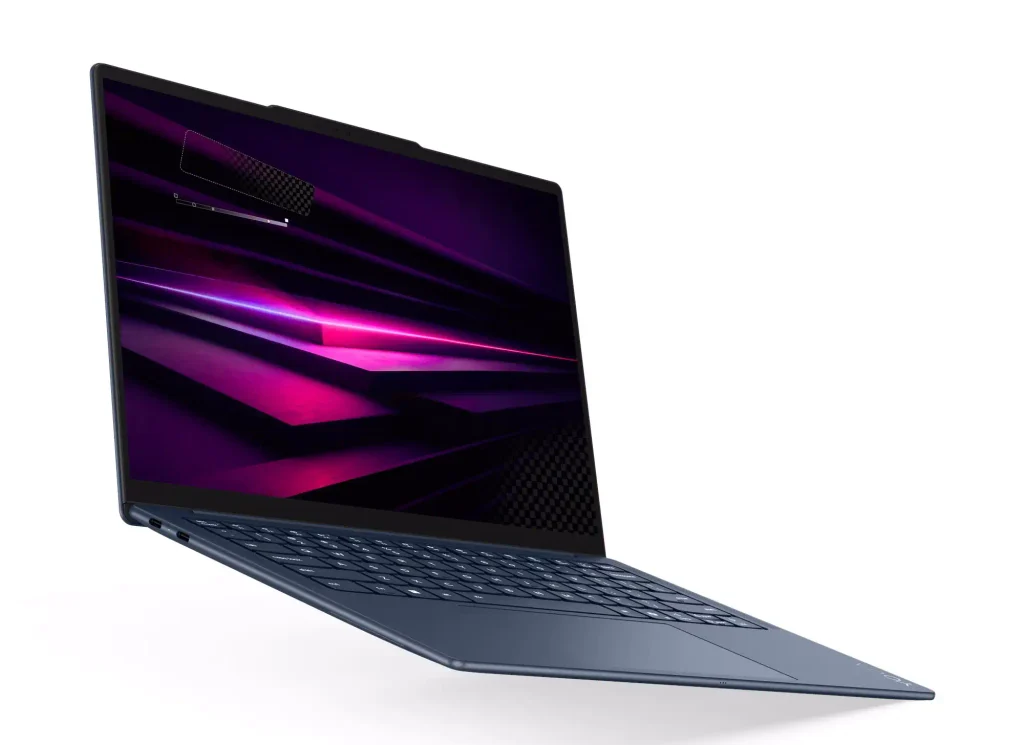
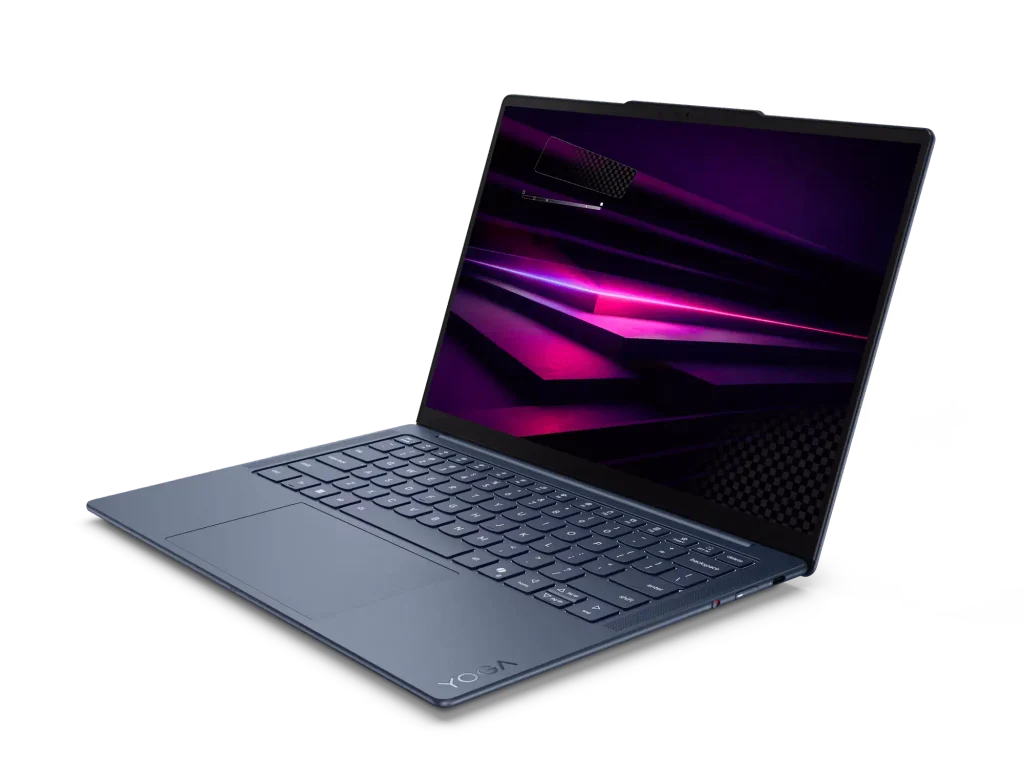
Boring grey laptops? They are so 2020. The Lenovo Yoga Slim 7x is dressed in a far more chic metallic blue, which immediately separates you from the crowd. It certainly helps that this is such a slim laptop, too, measuring 13.9mm (0.55 inches) at its thickest.
It’s also extremely compact, with a footprint little over the size of an A4/Letter page at 344 x 235mm (12.28 x 8.70 inches). The non-touch versions weigh 1.17kg/2.58lb while the touchscreen models are 1.24kg/2.73lb. That’s exceptional, particularly when you consider how long it survives away from the mains.
2. Battery life crushes
Somehow Lenovo squeezes a 70Wh battery inside this laptop’s skinny frame, and when combined with a Qualcomm Snapdragon X2 chip that meant it lasted over 19 hours in a video-rundown test. I’ve seen similar results from other publications’ tests, so it’s clearly no fluke.
I suspect its energy would even outlast yours if you took the 24-hour Qantas flight from Melbourne to Toulouse.
I’m extremely confident that it will last a full day’s work, and should you realise that the battery is running low then Lenovo reckons a 15-minute top-up charge will provide three hours of working life.
Photo gallery

3. Bags of everyday power
The Yoga Slim 7x Gen 11 comes with the latest Qualcomm Snapdragon X2 chips inside (the “x” in its name indicates Snapdragon processors). Along with excellent efficiency, one of the reasons the battery lasts so long, one of the hallmarks of Snapdragon chips is how fast they are in everyday use.
There’s no better indication of this than the industry benchmark Geekbench. My test sample of the Yoga included a top-end Qualcomm Snapdragon X2 Elite X2E-88-100 processor, which stormed to 3,821 in the single-core test and 20,564. That multicore result is actually faster than an Apple M5 Pro!
The only area where Qualcomm still falls behind compared to its rivals is in gaming, but even then you may be surprised – it very much depends on your choice of game. Then again, I’m talking about a laptop for execs rather than gamers.
4. Top-quality webcam, screen, speakers and keyboard
I’ve raved about Lenovo keyboards for the past three decades, but mainly those on its ThinkPads. Despite being a Yoga, so a consumer laptop, the Yoga Slim 7x Gen 11 is great to type on. There’s a solid thunk to each keypress and plenty of travel.
Not only that, but the OLED screen is superb. Even the most basic unit, with a 1,920 x 1,200 resolution and no support for touch, covers all of the DCI-P3 gamut (as used in Hollywood) l and promises 400 nits of brightness.
I tested the more expensive version, with a 2,880 x 1,800 resolution and touch support, and it was truly extraordinarily good. This one reaches the dizzy heights of 1,100 nits when playing HDR content, and the speakers are able to match this with loads of bass.
Nor are you paying a huge amount for the screen upgrade: a mere £100 in the UK. £50 if you don’t care about touch support.
Then we come to the webcam, which again punches way above expectations. It supports up to 1440p resolution, so it’s sharp, but colours are also extremely natural. See for yourself in the image below, with apologies for the mess in the background. Luckily I can take advantage of portrait blur in calls!

5. Cut down on your AI token usage
You’ve probably heard of tokenmaxxing. It was the very real phenomenon where employees aimed to hit their company’s leader board for AI token usage, typically tokens from companies such as Anthropic and OpenAI, to show how on the edge they were. Now we’re entering the age of “tokenminning”, where you use the minimum possible tokens for maximum impact. After all, these days tokens are expensive.
One easy route to tokenmining is to ensure that your everyday PC can perform AI tasks locally. For that, you either need a powerful NPU (neural processing unit) or GPU (graphics processing unit), or ideally both. And, as the video below shows, it’s an area where Qualcomm-powered computers have a particular strength.
Watch that video and you’ll see how distributed AI coding created a fully featured website in under three minutes. Crucially, it also shows that many tasks can be offloaded onto the local computer, saving the developer tokens and the company they work for money.
This is where Qualcomm holds an advantage over AMD and Intel as every processor in its second-generation Snapdragon X2 family includes an NPU rated at 80 TOPs. At best, its rivals offer around 50 TOPS.
And it’s not just coding that can be offloaded to the NPU. Other examples include voice recognition and facial recognition, or the background blurring that will otherwise consume your laptop’s battery life as it places a strain on the CPU.
6. Advanced management and security
There’s a perception that Qualcomm-powered laptops aren’t ready for business rollouts, but that ignores a couple of key developments over the past years. One is that it’s fully supported by the typical management software: think Microsoft Intune, SSCM and Autopilot.
Qualcomm-powered systems also support Microsoft’s Secured-core PC initiative, which uses a combination of a Trusted Platform Module (TPM), Microsoft Pluton-compliant chip and and software to provide a secure environment. With the Yoga, you also have a camera that supports Windows Hello for biometrically-backed logins.
The one drawback of choosing a consumer-targeted laptop such as Lenovo’s Yoga series is that they come with Windows 11 Home rather than Windows 11 Pro. Pro is a requirement for most managed IT tools, so you may have to upgrade to take advantage. This costs £49.99 from the PC Pro store, for example, or you can specify it during the ordering process for an extra £90.
And I should also say that the 7x is easy to upgrade should things ever go wrong.
7. Attractive pricing
There’s one more reason to opt for the Lenovo Yoga Slim 7x Gen 11: its price. While exact prices and specs do vary, in the UK your options start at £1,050 inc VAT for an extremely decent set of specifications: Qualcomm Snapdragon X2 Plus processor, 16GB of RAM and a 512GB SSD. If you want an X2 Elite chip and 1TB of storage, that will cost £1,270.
All these reasons mean I believe the Lenovo Yoga Slim 7x would be an exceptional laptop for executives. In fact, there’s only obvious reason to avoid it, which is for gaming: despite Qualcomm’s best efforts, this remains a weakness relative to its AMD and Intel-powered rivals.
More Qualcomm-related articles
About The Author

Tim Danton
NEXT UP