Trending Topics

 Trending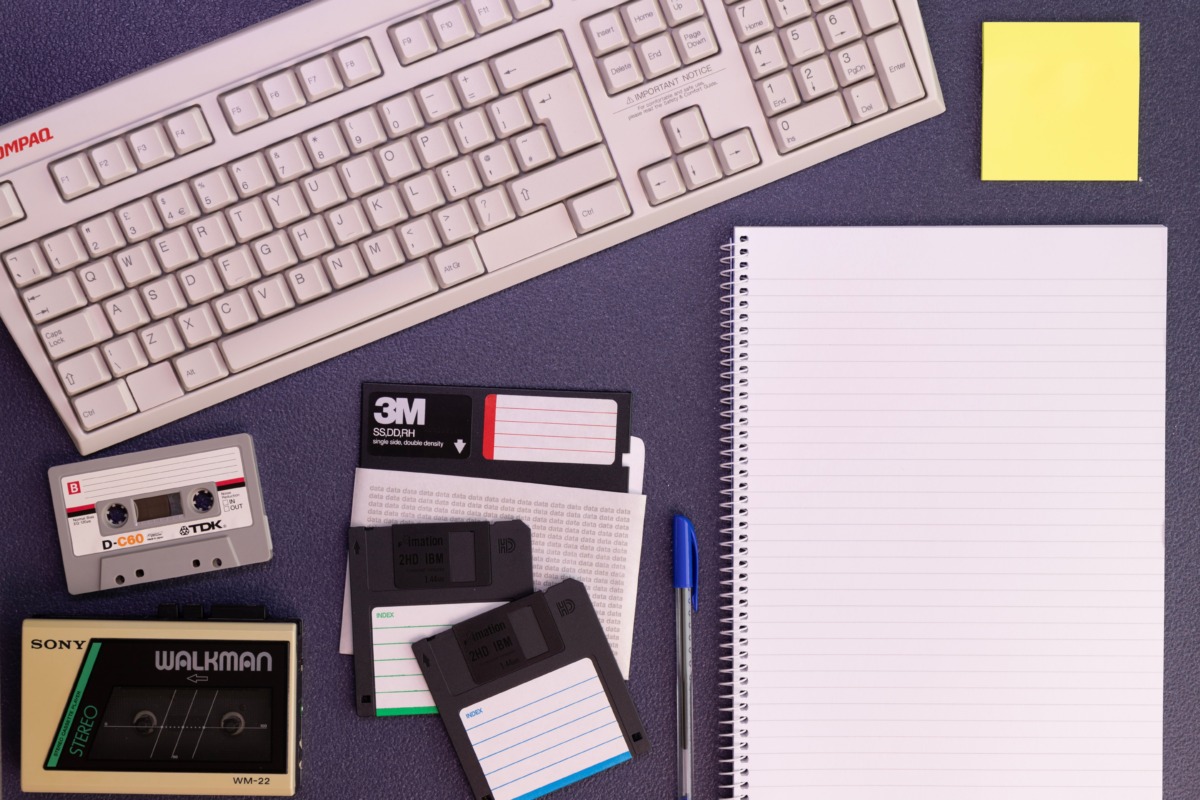
Old media is a data migration challenge, not just a storage problem

This is a sponsored article brought to you by Capture
Old storage media can be easy to overlook. A box of tapes may look safe for years. So might a shelf of discs or old hard drives. But the real question is simple: can you still open the files? Sometimes, the answer is no. Hardware changes. Software disappears. File formats lose support. Even media that looks perfectly intact may become difficult to use. That is where the problem begins. Old media is a data migration challenge, not only a storage issue. The goal is not simply to protect the physical device. The real goal is to keep the information usable when the business needs it. That means preserving access and checking that files remain intact. It also means understanding whether today’s formats will still work tomorrow.
Why isn’t storing old media enough?
Safe storage still matters. It helps protect media from:
- heat
- moisture
- dust
- physical damage
However, that only protects the carrier itself. What happens if the tape survives, but the tape drive disappears? Or the disc is intact, but modern software cannot open the files? That is the bigger risk.
A storage backup does not automatically solve the problem either. It may simply duplicate the same outdated files. The backup could also depend on old software or hardware. Storage, backup, and preservation therefore serve different purposes. Storage keeps data in one place. Backup creates another copy for recovery. Preservation focuses on long-term use. It asks whether information can still be opened when operations depend on it. It also asks whether the data can still be trusted. That requires regular checks. It may also require further migration as technology changes.
What happens when old storage technology becomes obsolete?
Older media often depends on older equipment. A floppy disk needs a compatible drive. Many tapes require specific readers. Some hard drives rely on interfaces that modern computers no longer support. The media may still be healthy, yet the equipment around it can disappear. Drivers can become unavailable too. In some cases, an older operating system is also required.
That is why Capture advises that migration often starts with identifying the original format and its playback requirements. Older tapes, discs, and digital media may need dedicated equipment before files can be transferred. Vendor support creates another problem. A manufacturer may stop producing a device or replacement part. Once that happens, access can become more difficult and more expensive. Technical knowledge may also fade as older systems leave regular use. Could the data still exist? Yes. But recovering it may require rare hardware or specialist tools. Early migration reduces dependence on outdated systems.
Why does file format matter during migration?
Getting files off old media is only half the job. The files still need to work afterwards. Some older formats depend on software that no longer exists. Others use proprietary systems that have lost support. In those cases, a successful transfer does not always mean the content remains useful to the business.
The scale of the issue is larger than it may seem. The U.S. National Archives currently evaluates more than 700 file formats in its holdings. Its preservation framework assesses their risks and recommends suitable preservation actions. So, should every file be converted? Not necessarily. Media migration and format migration are different processes. Media migration moves files onto newer storage. Format migration changes the file into another format. Conversion can improve compatibility, but it needs care. A new format may not preserve every feature of the original. For that reason, original versions can still be valuable. The best approach is to assess each format first. Then decide whether simple transfer is enough or whether conversion is necessary.
How can you confirm migrated files are still intact?
Copying a file is simple. Proving that the copy is correct matters more. One common method uses checksums. A checksum creates a value based on the contents of a file. If the file changes, the checksum should change as well. That makes it useful for spotting corruption or incomplete transfers.
However, checksums should not be the only check. Important files should also open correctly after migration. File counts should match the source. Unexpected size changes can signal a problem. Metadata should remain connected to the correct files as well. Migration logs can then record what happened during the transfer. For larger projects, manifests can track entire batches. Together, these steps provide a clearer record of success. They also give IT teams an audit trail for future reviews and troubleshooting.
When should old media be migrated?
The best time to migrate is usually before access becomes difficult. There are several warning signs. Hardware may be approaching retirement. Software support may be ending. The media itself may start showing errors. File formats can also become harder to open as newer systems replace older ones.
Which media should come first? Start with the items carrying the greatest risk. Unique files usually deserve priority because there may be no replacement copy. Business-critical records should also move higher on the list. That is especially important when day-to-day operations depend on them. The same applies to data needed for legal or regulatory reasons. Media that depends on rare equipment deserves early attention too. Not every old file needs permanent preservation, though. Duplicates and outdated copies may have little value. Regular reviews help organisations focus resources on the data that matters most.
What should a reliable media migration process include?
A good migration starts with an inventory. First, identify the media you have. Then note what each item contains and where it is stored. Next, determine which equipment is needed to read it. Physical condition matters too. Damaged or fragile media may need more careful handling before any transfer begins.
Once access is confirmed, the data can move into managed storage. File counts and sizes should be recorded during that process. Formats should also be identified before any conversion takes place. Checksums can help verify that files remain unchanged after transfer. Metadata should move with the content when it provides useful context. Logs should record important migration steps and any errors. Unusual or damaged media may require specialist equipment. That can affect cost and timing, especially when compatible hardware is difficult to find. For IT teams, this work should sit within normal storage and data lifecycle planning.
Why should businesses treat migration as an ongoing process?
A successful migration solves today’s access problem. It does not solve every future one. New storage systems will eventually age too. Current file formats may lose support. Cloud platforms can change, and local systems can become outdated. Preservation therefore needs regular attention rather than a one-time transfer.
What happens after migration? The files still need to be checked. Storage systems should be reviewed periodically. Important formats may need another assessment later. Cloud storage can be useful, but it does not remove these responsibilities. The same applies to local storage. Organisations also need clear retention policies for original media. Some items may need to be kept because of legal requirements. Others may hold historical or operational value. Some may no longer be necessary after a verified migration. The important point is continuity. Long-term access depends on ongoing lifecycle management.
How can you protect old digital content for the future?
Protecting old digital content starts with one question: can you still access it reliably? If the answer is uncertain, the issue deserves attention now. Identify the most important media first. Move high-risk files onto supported storage while compatible equipment still exists. Then verify the transfer carefully and keep a clear record of what changed. File formats also need attention because successful copying does not always guarantee future use. Regular reviews matter too, since today’s technology will not remain current forever. That is why old media is a data migration challenge. The problem is not simply where the files are stored. It is whether those files will still work when someone needs them. Early planning makes that far easier to achieve.
About The Author

Gabriel Jones
NEXT UP


