Trending Topics

 Trending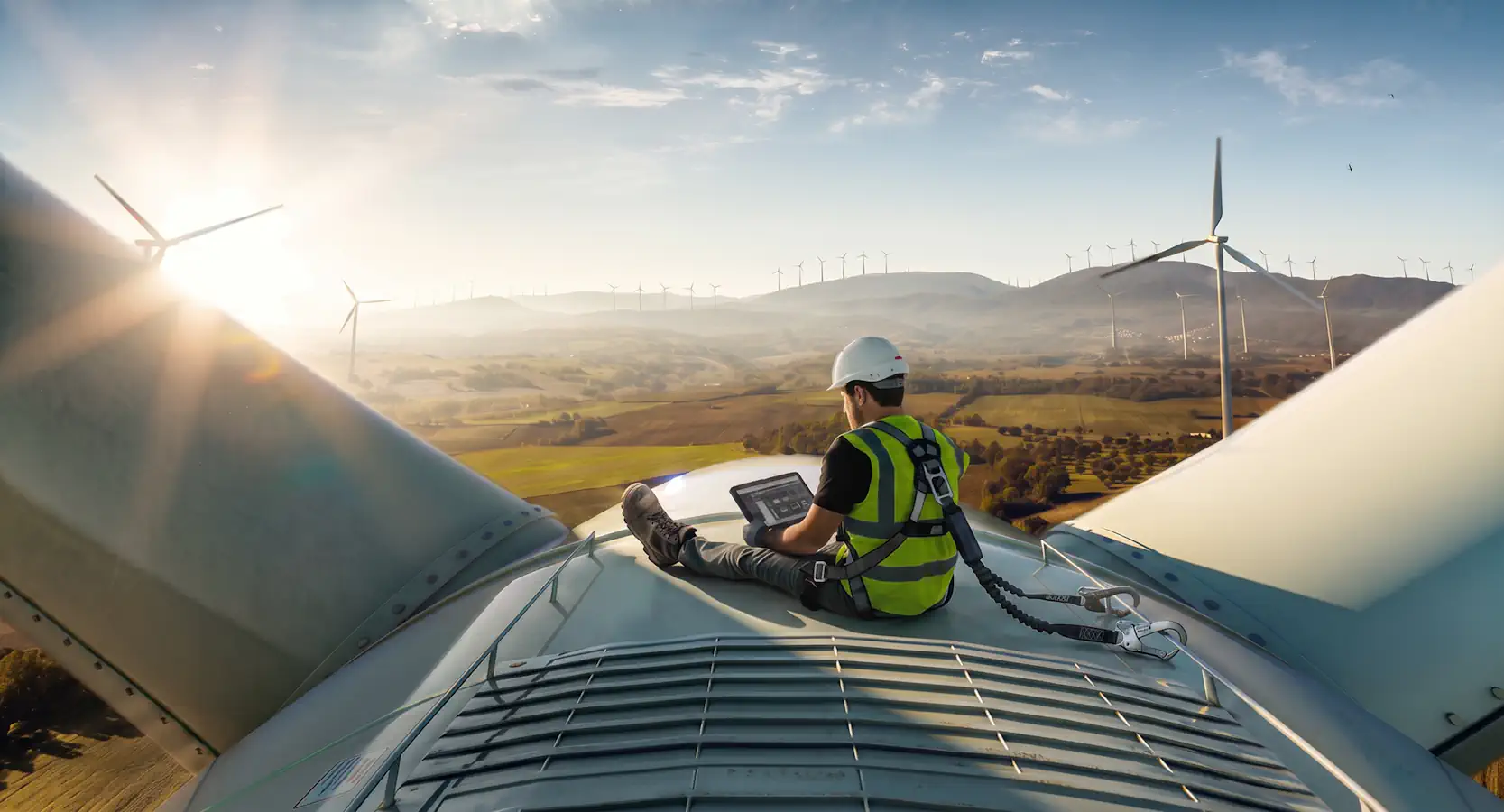
4 things customers asked Panasonic to bring to the rugged Toughbook 34 tablet… and one surprising thing they didn’t want at all

Last month, Panasonic replaced its fully rugged Toughbook 33 tablet with the Toughbook 34. We caught up with Dirk Weigelt, Senior Product and Solutions Manager, to find out why it made certain key decisions

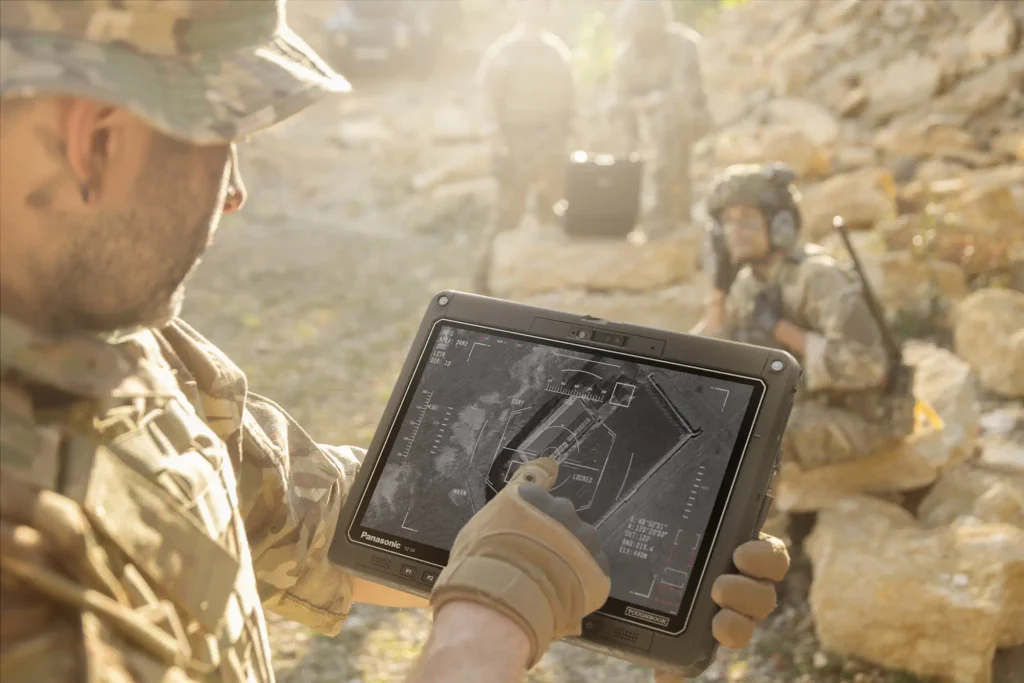
Fully rugged laptops and tablets sit apart from their more familiar comrades. Fully suited in protective armour, they’re what you’ll find in the front of fire engines, police cars and battlefield tanks. Drop them from height, pelt them with sand, sink them in water, take them to Siberia or the Great Victoria Desert, they will just keep on working (from -29°C to +60°C to be precise).
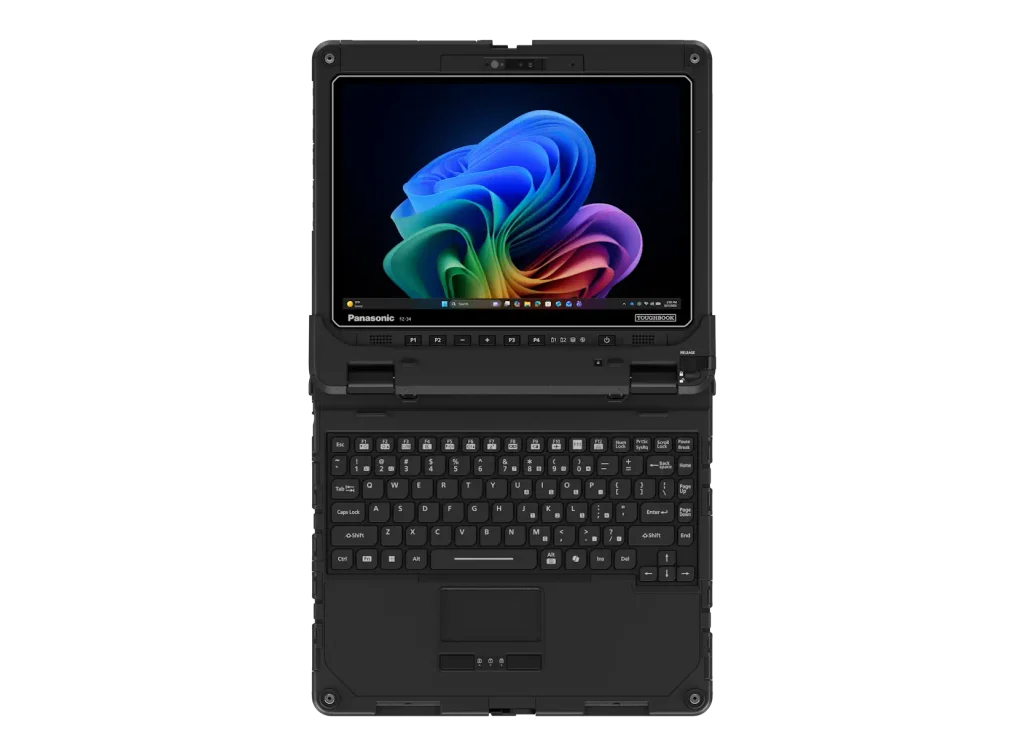
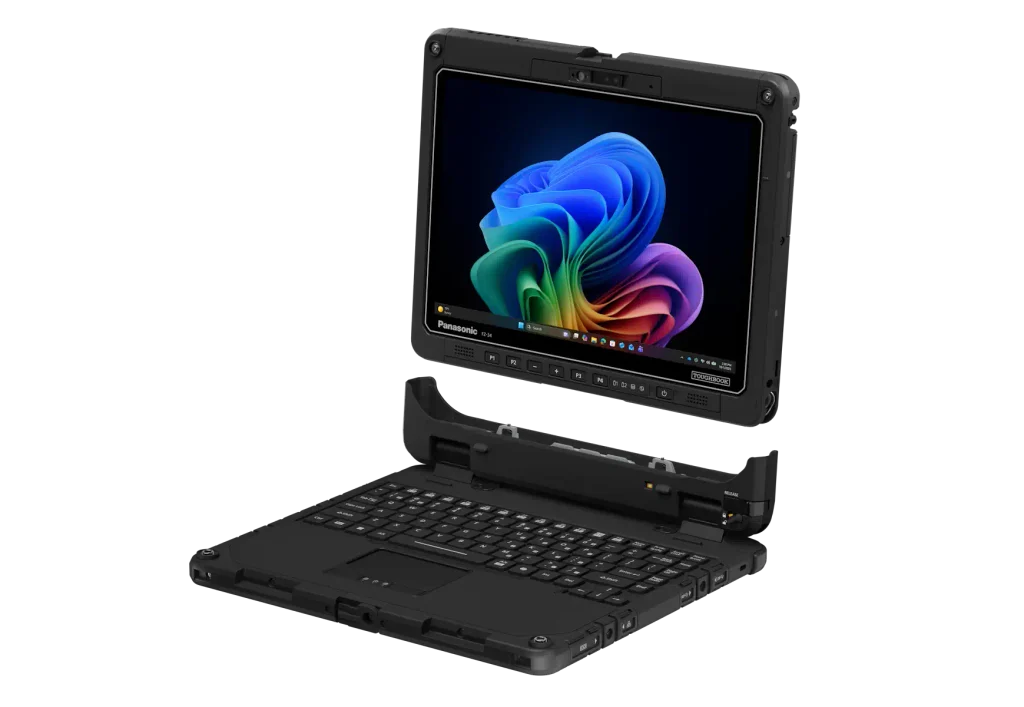
Not just that: they come with an ecosystem of supporting hardware. If it’s a rugged tablet, that means an equally rugged keyboard to turn it into a laptop. You’ll find carry straps, desktop port replicators, extra batteries, vehicle docks, styluses and chargers that can hold many batteries at a time.
All of which means that changing any aspect of the design comes with danger. Panasonic must tread the thin line between giving customers the latest features and making sure that everything is as backwards as possible.
The man in charge of these decisions is Dirk Weigelt, Senior Product and Solutions Manager at Panasonic Toughbook, who I last caught up with in March at the launch of the Panasonic Toughbook 56. This time, we spoke a few days before Panasonic announced the arrival of the Toughbook 34.
It also announced the Toughbook G3, a much smaller 10.1in tablet that like the Toughbook 34 runs Windows 11 Pro, which is designed for tighter spaces. But here I focus on its big brother.
What came before: the Panasonic Toughbook 33
The Panasonic Toughbook 34 has been many years in the making. Panasonic launched the Toughbook 33 way back in 2017, and Dirk said it found success “in specialised markets where people needed a large screen, but they do no need so much mobility”.
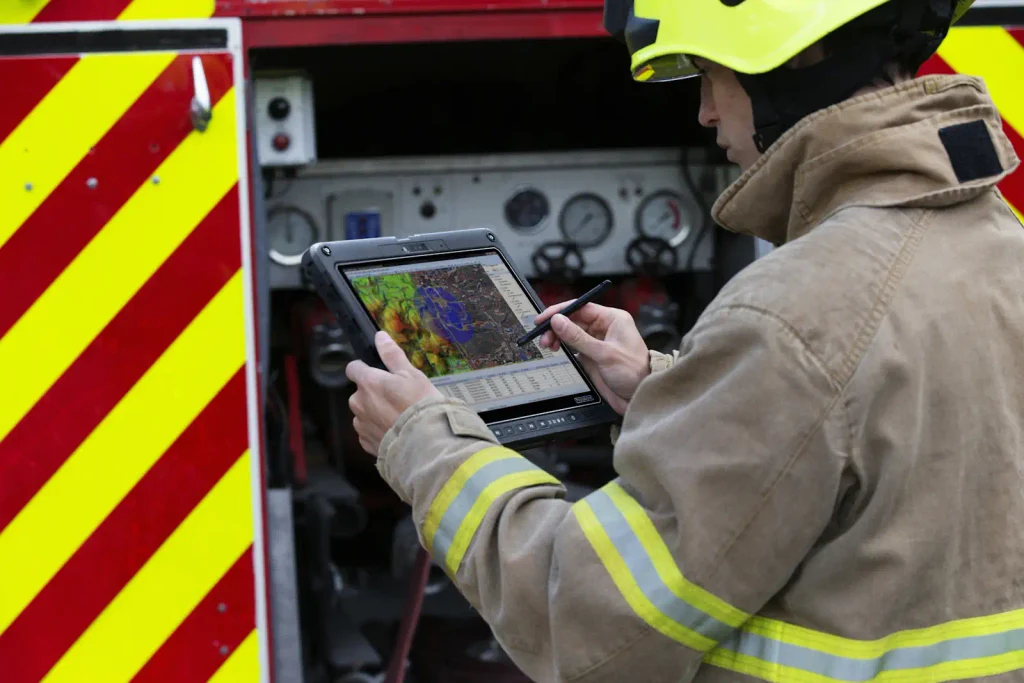
One example: firefighters. “They had it in the front of the vehicle for routing to the fire station… only the commander had to out with the device and they do not have to carry it for too long”. He also added they were popular in warehouses for forklifts.
While it’s proven a popular choice within such specialised areas, and people appreciated the 12.4in screen, Dirk explained that users had requests for improvements. In short, these centre around weight, greater modularity, longer battery life and better data security. As trailed, there was one thing they aren’t asking for, which surprised me, but we’ll come on to that.
Panasonic Toughbook 34: going on a diet
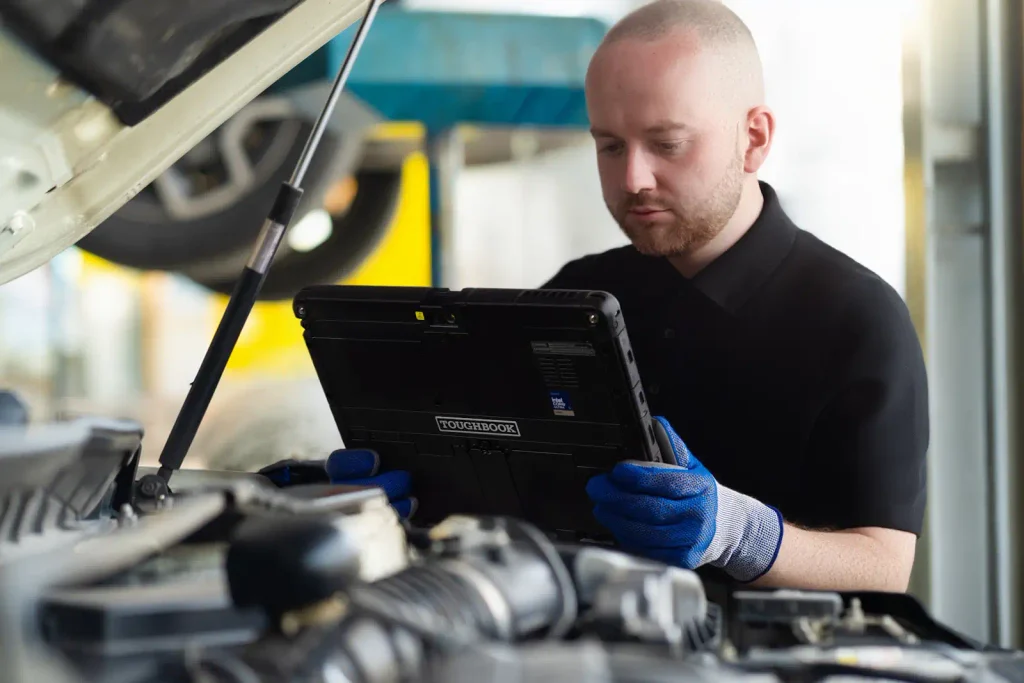
At over 1.54kg, the Toughbook 33 was never the lightest of tablets. “We took a look at the feedback,” said Dirk, “and one was, can you make it more mobile? Can you make it more a tablet kind of experience?” The accusation being that the Toughbook 33 felt “more like a slate”.
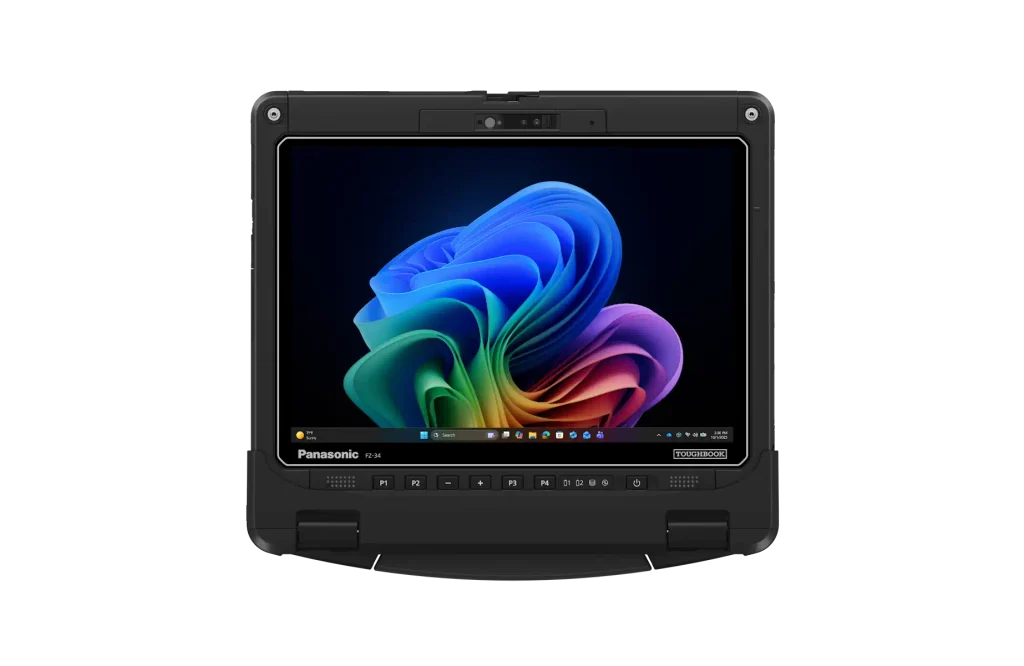
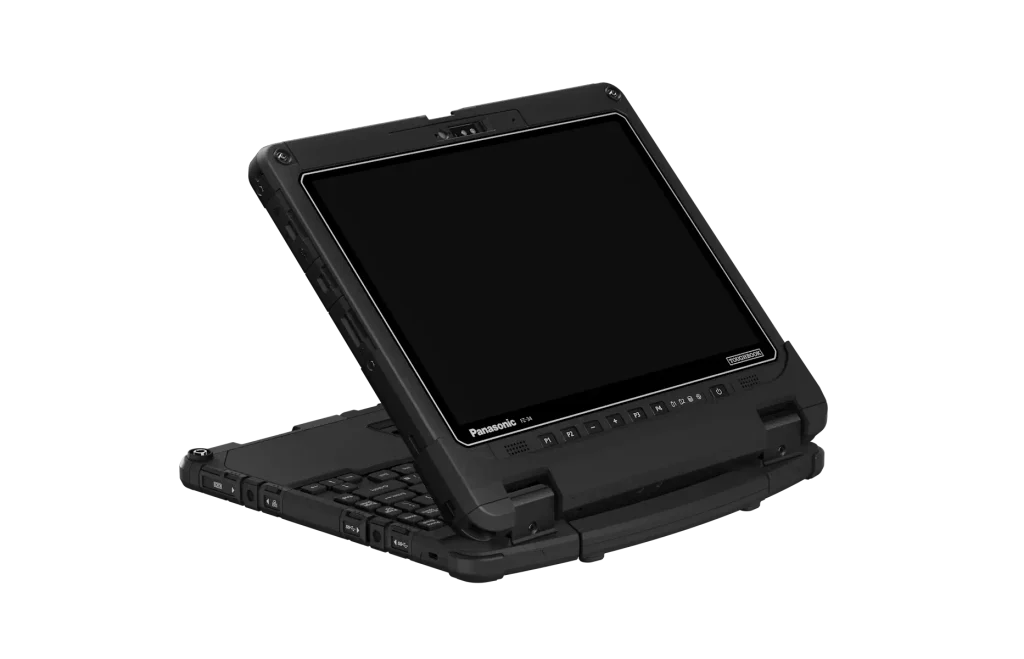
With almost a decade’s worth of improvements to call upon – including to screen and battery technology – the Panasonic Toughbook team managed to reduce the weight by 13% to a minimum of 1.36kg whilst increasing the screen size from 12in to 12.3in. A little optimistically, Dirk suggested this “brings you really close to a tablet experience”.
Most importantly from Panasonic’s point of view, this double improvement should open it up to more markets, including utilities and land surveying. So, markets that value portability but also the other plus points of the Toughbook 34, such as more battery life.
Bigger, better battery
Customers wanted “as long as possible battery life,” said Dirk. “They’re working outdoors. There’s no power socket. Think about [an engineer] at a wind farm… it has to last at least one shift without any break in between.”
Measured by MobileMark 30, the Toughbook 34 delivers up to 18 hours of battery life on one charge, which is 20% up on its predecessor.
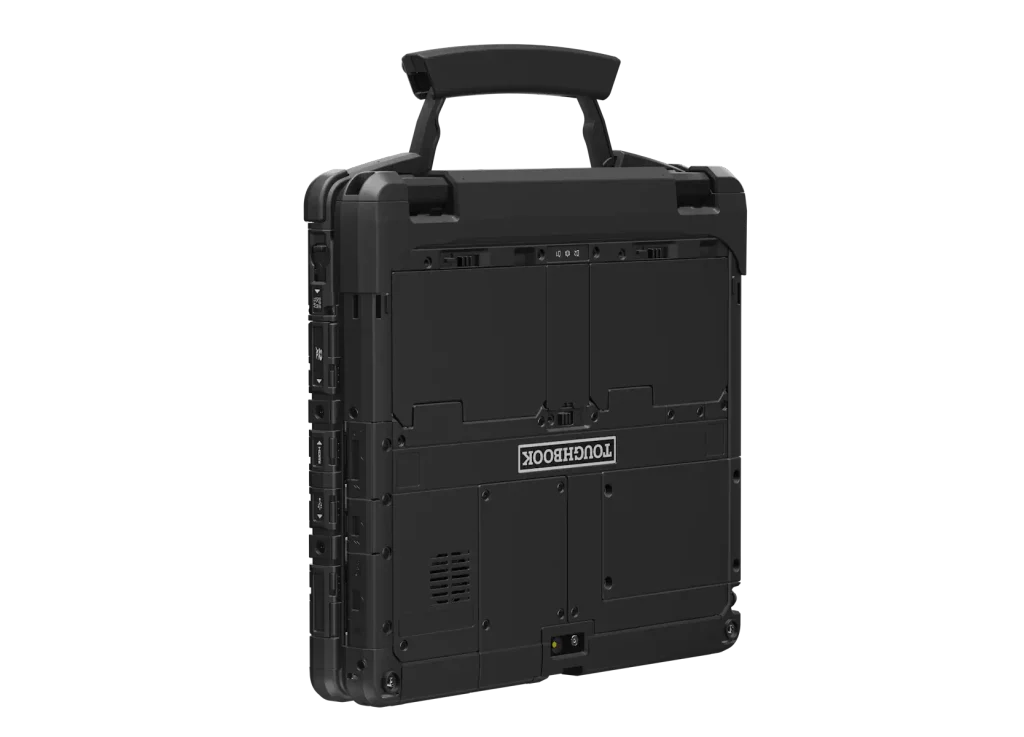
That’s assuming you fill both battery slots to provide a total of 80Wh capacity. Naturally, it will keep working if you need to swap out one of the batteries.
If you only fill one of the two battery slots, the Toughbook 34 provides up to 9 hours of life compared to 7.5 hours for the Toughbook 33 MK4.
Incidentally, Dirk added that the new battery technology is more resistant to cold environments than before, opening up a new area of frozen goods warehouses.
Greater modularity
On the Toughbook 33, a customer had to choose exactly what “ingredients he wanted to have, like a smart card reader, or whatever,” said Dirk. “So we took the chance when we made the redesign to bring the same modularity as the other products.”
In particular, the Toughbook 34 supports xPAK expansion modules. So rather than fill the second slot with a battery, you could include one with extra storage, more connectivity, barcode readers, or authentication via a smart card reader.
What’s more, the Toughbook 34 includes a quick-release SSD (“I think the quickest one in our office was 0.4 seconds), bringing us neatly to…
Better data security
“There’s corporate data on a device which can be worth millions,” said Dirk. “Sometimes it’s even confidential. We want to make sure the data is as secure as possible.”
This can be via the simple authentication method of Windows Hello, supported by the built-in 5MP webcam, or as alluded to above you “can equip the Toughbook 34 with a smart card reader, contactless smart card reader or fingerprints”.
And as Dirk pointed out, security used by companies can change over time. “My entry card at Panasonic is still a contact smart card, but this might change to contactless. In the past, you would have to buy a completely new device. Here, we just exchange a module.”
One thing customers didn’t ask for…
While the screen has grown in size with this generation, Panasonic hasn’t increased the resolution: in fact it’s lower. You still get a 3:2 aspect ratio, but this time it’s 1,920 x 1,280 rather than 2,160 x 1,440. But Dirk assured me that this better meets customers’ needs.
“If you are in a normal business environment or consumer-based environment, people want to have the latest, greatest and they want the highest resolution possible,” he agreed, “but think about it when you are out of that world.”
Often, he said, your interaction will be via pull-down lists, tick boxes. “Here, higher resolution simply does not help. It just consumes more power and leads you to a shorter battery life.”
Tough to criticise Toughbooks
It’s as hard to find a chink in Dirk’s arguments as it is to damage a Toughbook itself. There’s no doubt in my mind that the Toughbook 34 is a big upgrade over the 33, especially as it includes Intel’s latest Core Ultra Series 3 chips with vPro technology. These all benefit from speedy day-to-day performance plus a powerful NPU.
If you buy the Core Ultra X7 368H vPro, you also benefit from Intel’s powerful Arc B390 GPU. Although that’s only available with 32GB or 64GB of memory, so the price will be higher.
Other benefits of this new gen silicon? You get Thunderbolt 4 to go with the USB-A port, 1Gb Ethernet and 3.5mm headphone jack. Plus Wi-Fi 7 and optional 4G or 5GB broadband.
Price and availability of the Panasonic Toughbook 34
While some of Panasonic’s partners are listing the Toughbook 34, stock appears to be limited. And the cheapest price I could find in the UK was around £3,000 for the Core Ultra 5 model. I hope to update this article when I know more.
Related articles
About The Author