Trending Topics

 Trending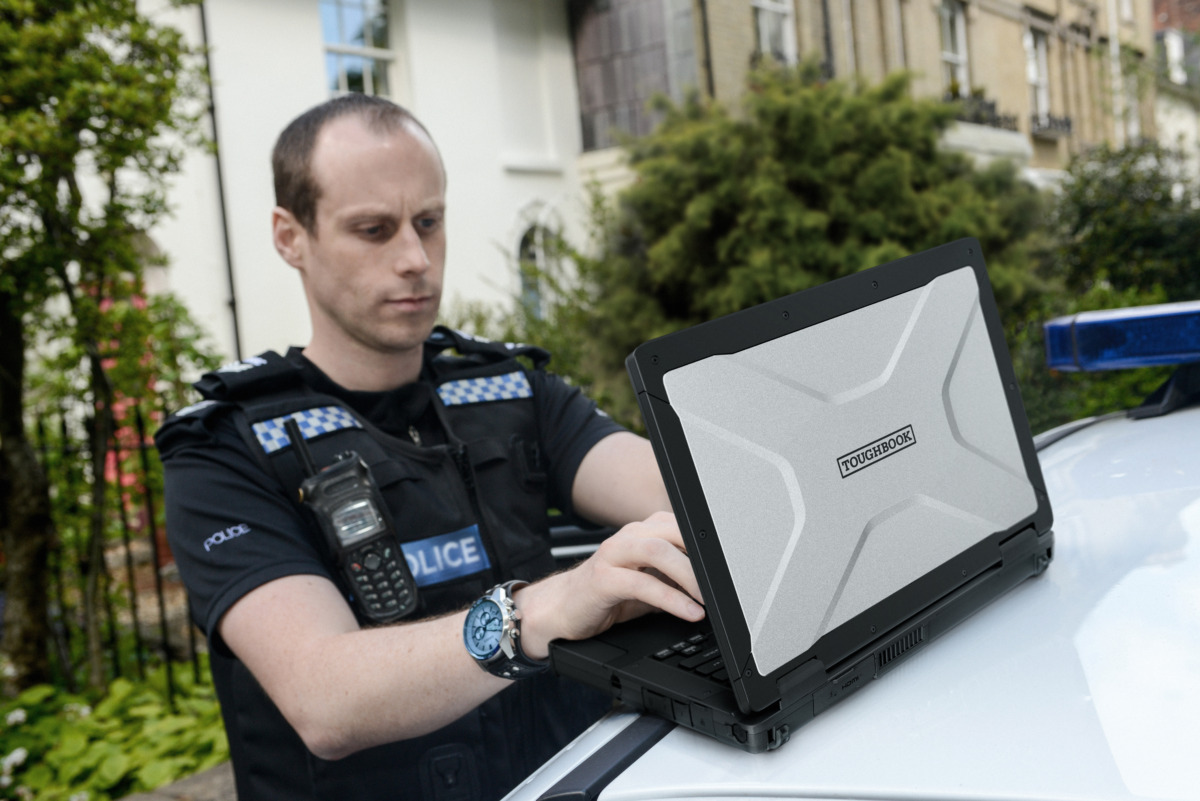
Panasonic Toughbook 56 in depth: What makes this rugged laptop tougher than all the rest

Rugged laptops are cut from different cloth. No easy life on a desk here: they must survive punishing environments, whether that’s the back of an ambulance or some remote desert during a war. New models don’t come along often, which is why I travelled to Stockholm for the launch of the Panasonic Toughbook 56 last week.
Whilst there, I interviewed Dirk Weigelt, Senior Product and Solutions Manager at Panasonic Toughbook. Cut Dirk and you’ll see Toughbook-coloured blood, he’s worked there for that long, and his enthusiasm for his products is always infectious. But I sensed there was something special about the Toughbook 56 for him, despite it being a mere one digit further on than the Toughbook 55.
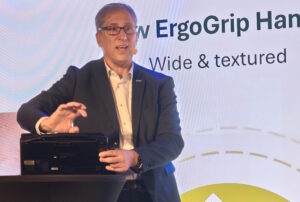
“I’ve talked to customers about the Toughbook 56 for the past two years,” he said, before explaining what got the biggest reaction. “First of all, its larger screen [now 16:10 rather than 16:9 aspect ratio] with the auto touch mode,” he said, referring to the fact that now users don’t need to manually select whether they’re touching it with a pen, glove or finger. An algorithm will work it out based on the way in which pressure is applied.
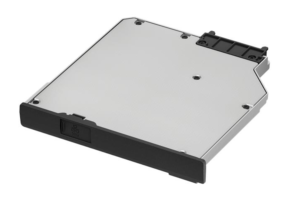
Customers also appreciate that the Toughbook 56 is basically the same form factor as the Toughbook 55. So whether you invested in a dock, a second battery or a removable SSD, everything will just work. Everything aside from the optical drive, but that’s only because Intel removed support for the previous standard with its Core Ultra Series 2 chips.
“You have more screen real estate, which they really prefer, making the gap to a 15-inch or 15.6-inch design smaller, but at the same time being mobile. And what I heard here around Europe is 10 Gigabit LAN in a notebook, this is what we need.”
The little things… like why 10Gb LAN is so desired
If support for 10Gb LAN sounds like a simple tickbox feature, then imagine for a moment the type of user Panasonic is trying to make happy. Such as an engineer who needs to gather data on a pipeline, Dirk suggests.
“One customer has a pipeline which is 3,000 kilometres long,” he said. “And all the 3,000 kilometres inside of the pipeline is gathering data. The people in the field, they have to read out the data. And it can be up to 200 gigabytes. And think about transferring 200 gigabytes of date over a 1GbE collection if you are in Arizona, in the sun, it’s not a good idea. They really prefer when it goes faster,” he added, as dry as the Arizona desert.
It was this drive to meet user demands that led to the disappearance of the latch, an ever-present feature of the Toughbook (and rival rugged laptops) to ensure the lid stays firmly closed. But users weren’t always happy having to fuss around with a latch.
Before, glove wearers would need to either take them off before opening up the Toughbook or wedge their artificially fattened fingers into the space between the handle and the catch. Now it just opens. And Dirk assures me that the robust hinge “opens/closes 30,000 times minimum, without wearing out”.
How Panasonic delivered 24 hours of battery life
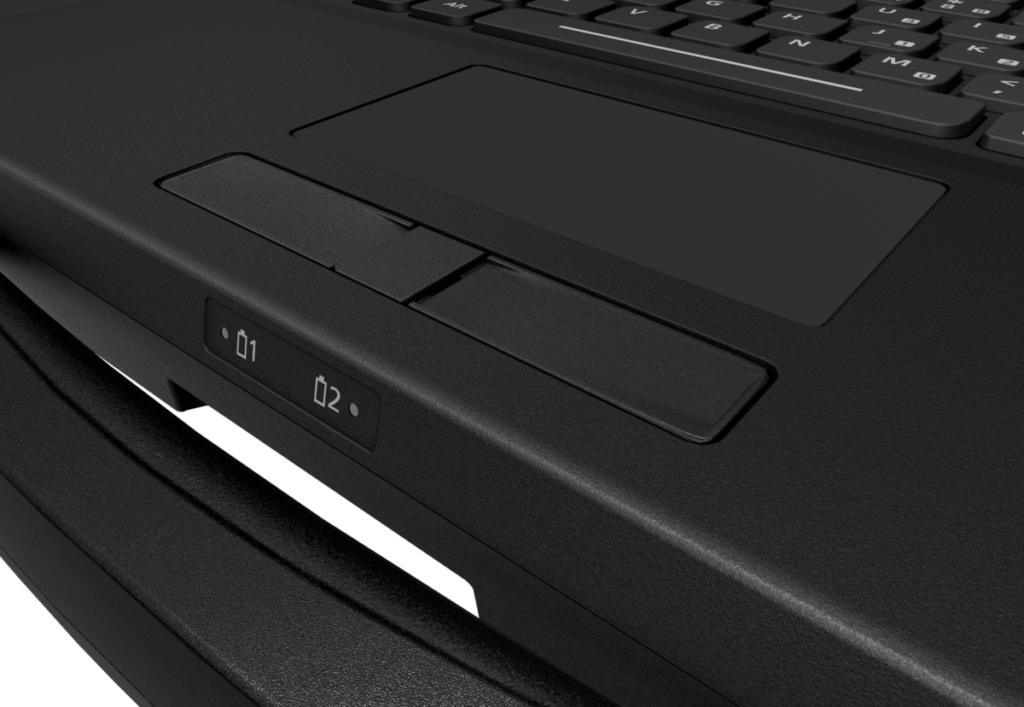
One of the Panasonic Toughbook 56’s landmark achievements is that it offers 24 hours of battery life. That’s with two batteries, and both are hot-swappable if you need to keep it going for even longer. Dirk insists that Panasonic didn’t set out to achieve this; that they just wanted to get better battery life than the Toughbook 55 (10 hours/20 hours).
“We didn’t know until we tested it with the final pre-production samples now,” he said. “But it’s always good to say 24 hours. The strange bit is that MobileMark 30 is even more strict than MobileMark 25 before, [which had] 20-something percent idle time where the user is doing nothing. And now, this is reduced to 11%… and still we get a longer battery life.”
While Intel deserves much of this credit due to its more efficient Core Ultra 200 series processors (the Toughbook 55 used 13th generation Core chips), Dirk says Panasonic’s engineers deserve recognition too. “[They] put a lot of time and effort optimising it, because our people in out in the field, they need to work. There is no option of, oh, I need a power socket now.”
It’s a complex job, Dirk explained, because the engineers can’t simply copy and paste Intel’s reference design, which is what most laptop makers will do. “We have engineers in Japan doing a couple of months nothing else, just looking at the reference design, how to optimise it for our use case,” he said.
“This is not only on temperature range, vibration, but also where we can take some extra power from the battery, where we can optimise it from battery training. So we optimise the battery, the CPU, the main board, the RAM, the storage… and make the extra mile to give you additional battery life.”
Slightly fatter, but blame 5G
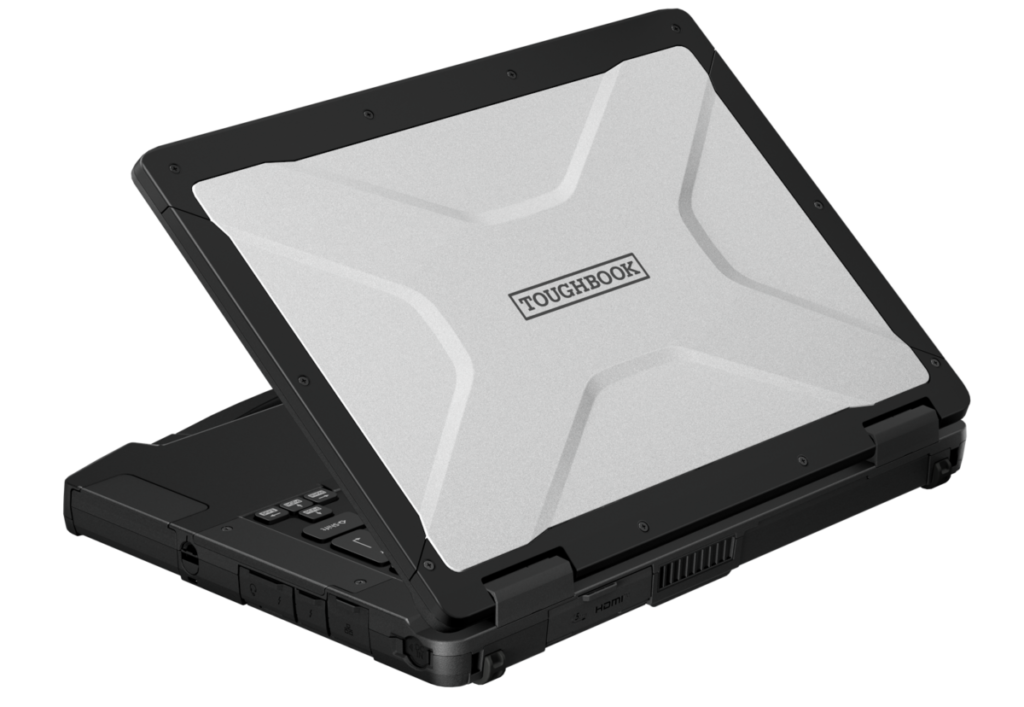
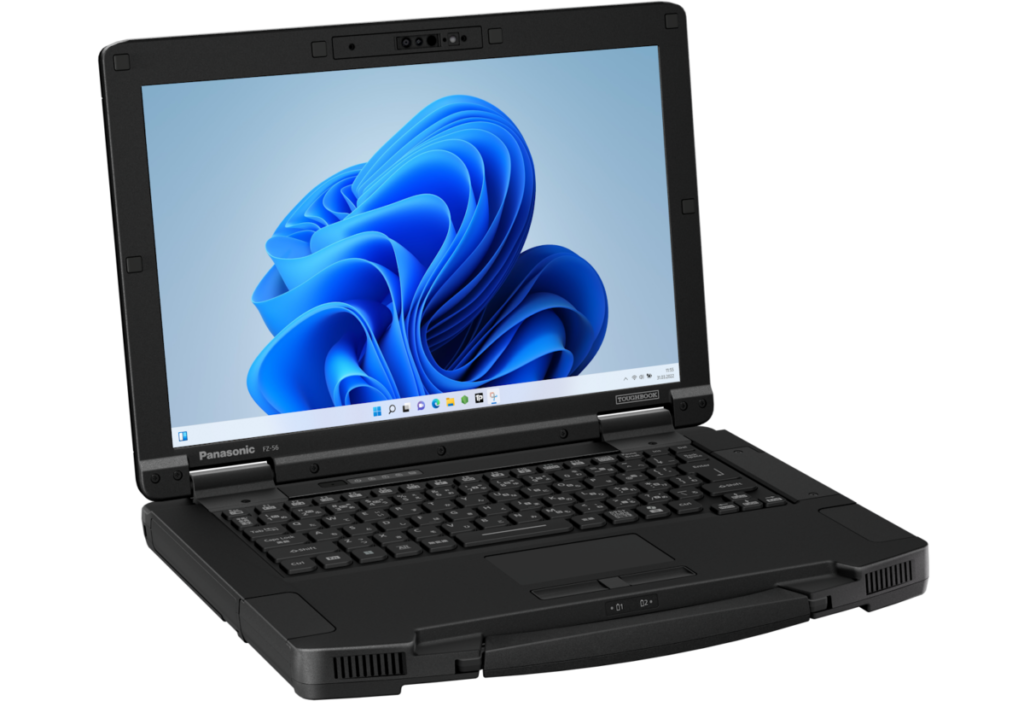
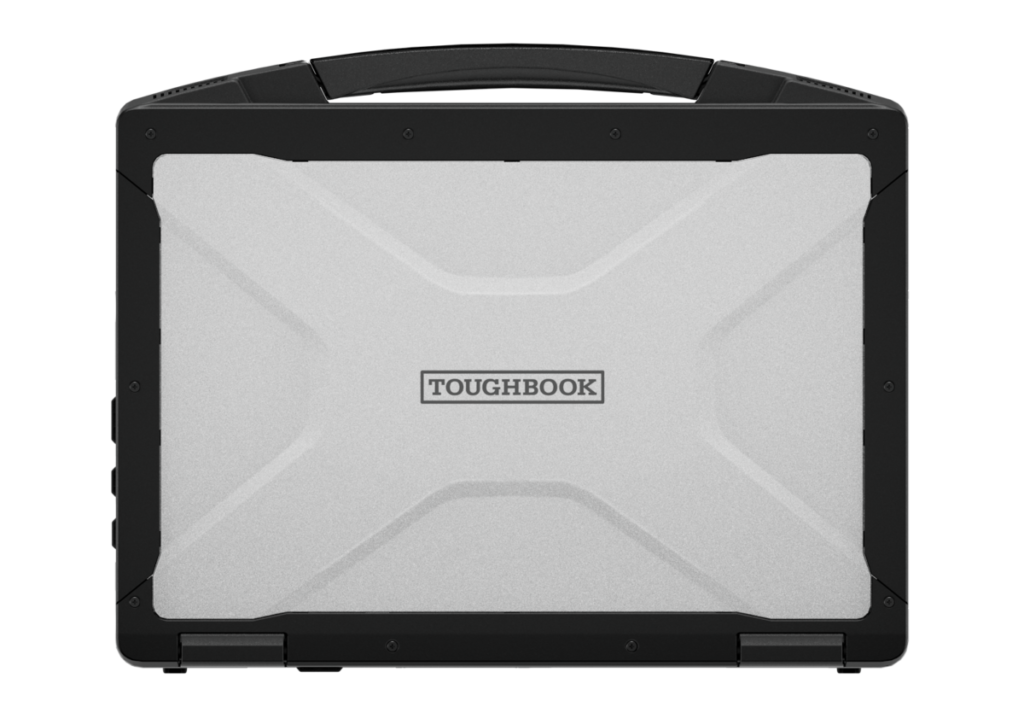
One difference I noted between the Panasonic Toughbook 55 and Toughbook 56 is that the new model is 1.5 millimetres fatter. Why was this, I asked? “Because we have to make space for the 5G antenna,” said Dirk. “Before, on the 55, we only had antennas here on the top. 5G now needs more antenna space.” So the antenna now runs down the side of the chassis, but that means Panasonic had to block electromagnetic noise with an additional, protective layer.
In the end, because the 5G signal will need to work in mission-critical environments, Panasonic decided to add the height to the chassis.
Another more welcome physical change is to the positioning of the speakers. Previously these worked absolutely fine if the laptop was open, but Panasonic had feedback from customers – especially those who made calls from vehicles where the laptop may be closed during journeys – that they couldn’t hear anything when the lid was down.
“Now we have here, really box speakers on both sides, going to the front, to the user. So even if the display is closed, it’s still you can hear and do that. It’s now not these tiny, tiny speakers.” Plus, Dirk claims, the “quality has increased, especially in noisy environments”.
New audiences in mind?
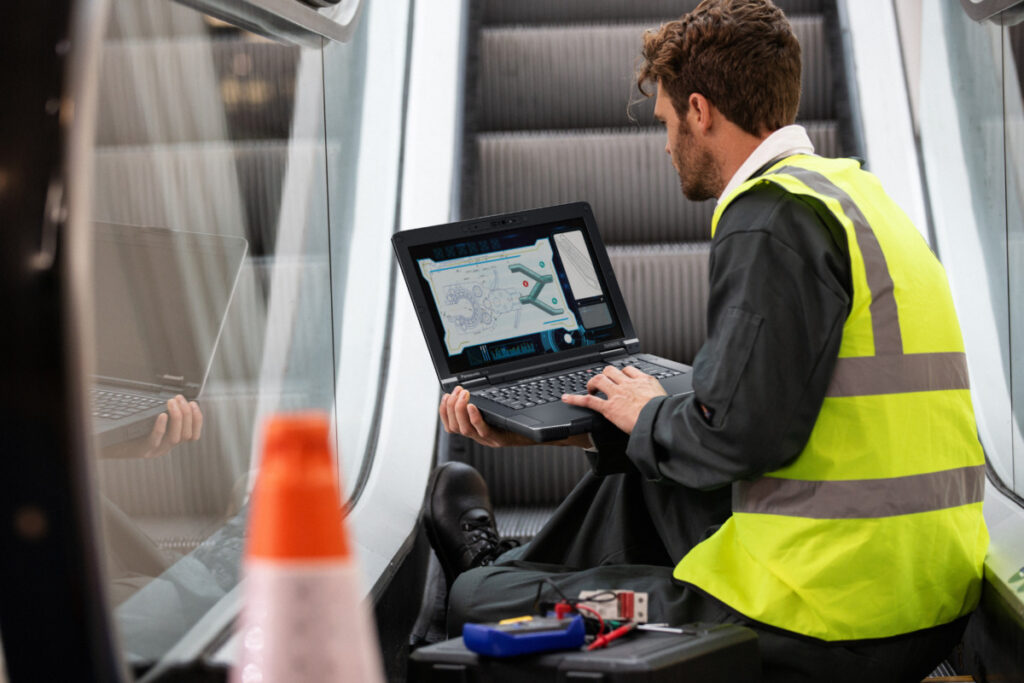
Panasonic knows the kinds of organisations that buy Toughbooks: first responders such as ambulance and police; military and defence forces; utility workers out in all weather. But was it hoping to lure anyone new to the world of rugged laptops with this release?
“One audience we want to win back with the 56 is mainly the telecom industry,” he said. “When they install fibre at home and say they have so many gigabits, no-one can prove it.” The hardware they’re using, like the Android devices that many telecoms companies switched to from rugged laptops, simply can’t support those speeds.
“They were good enough for installation [before], but now with fibre, with 10 gigabit, no one has it. This is the audience we want to bring back. And we already in big discussions in the telecom industry in various countries, and the interest is really, really high on it.”
What happens to old devices?
Panasonic Toughbooks have always been easier to repair than most thanks to their highly modular design, but one problem still remains: when people buy a new version, what happens to the old ones?
“We do offer a buyback programme, and then we refurbish the devices, and there are then two different options,” said Dirk. If it can still run Windows 11, then the Toughbook can be refurbished and sold as such. If it can’t, Panasonic can install Linux and again sell to a secondary marketplace.
But he was keen to point out that Panasonic sees giving back to society as being part of its duty, so often it will donate refurbished Toughbooks to schools – especially for those that want to run experiments outdoors.
Related articles
About The Author

Tim Danton
NEXT UP


