Trending Topics

 Trending
What is Acrobat Studio and can its personalised assistants really help turn PDFs into pitches?

Adobe has launched a service, Acrobat Studio, to turn a loose collection of PDFs and Office documents into business intelligence. With the help of an AI assistant, which you can customise, it can also create a customised sales pitch for a potential new client.
“It’s about faster access to insights and confidence in the decisions you’re making,” said Michi Alexander, VP Product Marketing at Adobe. “So first, [the Adobe] AI assistant pulls out key insights, it uncovers trends, and also it links directly to the source.”
Next comes “AI-powered sharing”, explained Alexander. “Our vision for this is really about sharing not just a document or a set of documents, but also sharing with AI guidance so that users really understand what matters, how it connects, and what they need to do with the information next.”
The third and final stage is content creation. You have this information, now turn it into an asset. That might be a new PDF such as a personalised sales pitch to a prospective client. It might be a presentation, or a report. “This is going to be something that we are making easy for anyone within the organisation to do without having to lean on design skills,” said Alexander.
Acrobat Studio’s PDF Spaces

When using Acrobat Studio, you’ll live in a PDF Space. This is where you upload your files, up to 100 for the moment, and also where you ask questions of your AI assistant.
“Basically, you bring in your [web] links, your documents and other types of files, and from there, it will create an AI knowledge hub,” said Alexander.
“There’s a built-in assistant in there, so you can interact with the content the way you want to. So whether you want to just ask questions, it’ll provide easy access to insights.”
Once you’ve created your PDF Space, you can then share it with members of your team and beyond.
Acrobat Studio’s personalised AI assistants
But the key to Acrobat Studio is the AI assistants – and in particular that you can customise them.
As standard, there are three types. When I asked my own custom assistant to explain those three assistants, it replied:
- Analyst: Focused on critical thinking, this assistant analyzes files, uncovers assumptions, and offers new ideas. It is ideal for tasks requiring deep analysis and insight generation.
- Instructor: Designed for learning support, this assistant breaks down complex topics into understandable steps. It is particularly useful for educational purposes or simplifying intricate content.
- Entertainer: Geared toward creative thinking, this assistant adds wit and wordplay to spark new ideas. It is perfect for brainstorming and generating engaging, imaginative content.
If you’re thinking that Entertainer sounds awful, I can’t disagree. But luckily you can create your own AI assistant tailored to your needs or your job.
“I’m in product marketing, and I’m trying to pitch a product to somebody, and [my] AI Assistant will help customise the answer so that it’s more specific for the results I’m trying to get,” said Alexander.
You don’t need to be technical to create your own AI assistant. Using natural language, you simply need to explain what you want it to do – its purpose – and then set goals or instructions. For example, “use friendly language”.
Over time, you can refine your AI assistant simply by providing feedback or further instructions.
The final element: Adobe Express
So you have all your assets in one place and a bunch of insights created by your personalised AI assistant. What next? You could simply share what you’ve created with your teammates and use it to generate ideas. Or you could create a new PDF asset using Adobe Express, which is integrated into Acrobat Studio.
Although one caveat: in my experiments so far, I haven’t seen any option to fire up Adobe Express from within the environment.
According to Adobe, though, users will be able to access a selection of pre-designed templates to create presentations, flyers, social media posts and more based on your content.
And because Express incorporates Adobe’s Firefly, you will be able to turn text prompts into images and videos.
Practical applications according to Adobe
- Business professionals can create polished reports, infographics and presentations to share insights derived from PDF Spaces.
- Students can enhance academic projects with visually appealing tables, charts and infographics.
- Consumers can design personal finance trackers, event recaps or holiday cards with ease.
Limitations of Acrobat Studio
I was disappointed to discover that Acrobat Studio cannot itself generate images, despite Adobe’s own Firefly service. Instead, I asked it to generate a prompt suitable for an article such as this.
Which it promptly did. I then headed to Adobe Firefly, pasted in the prompt and was told that it exceeded the 750-character limit (it was around 850 characters). So I cut off the final sentence and Adobe Firefly generated these images…


Shall we be kind and say more work needs to be done? Especially when you compare it to what Google ImageFX created with the full prompt:
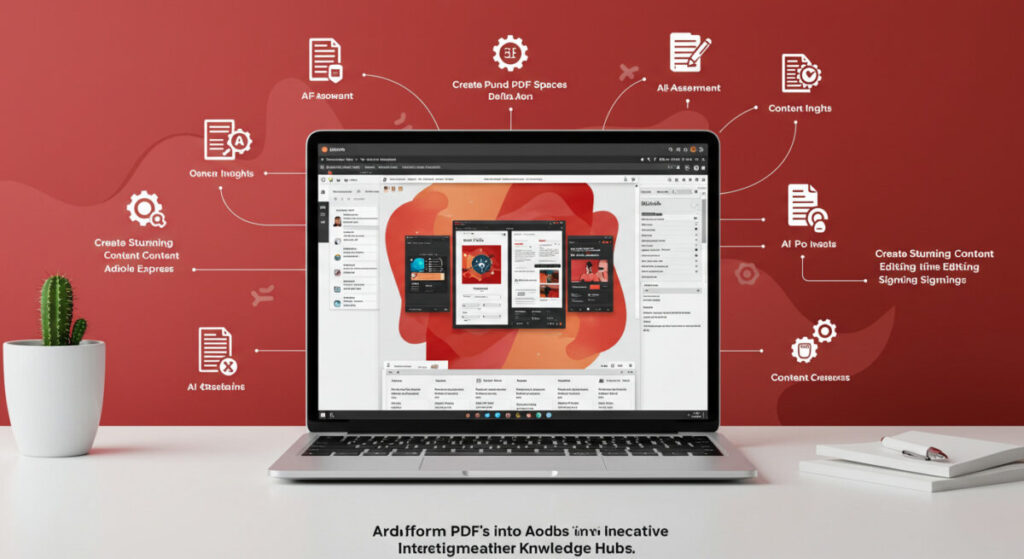


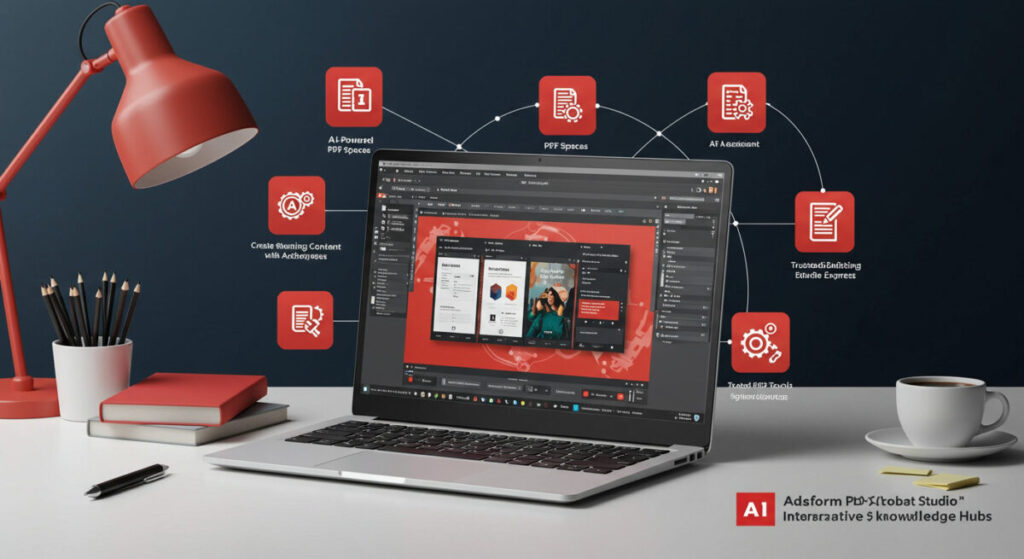
Still not perfect, especially around text generation, but light years ahead of Adobe’s current offering.
Acrobat Studio: Price and availability
Acrobat Studio is available now. For the moment, however, it’s only available in English. To try it, sign into your Adobe account and navigate to the Acrobat section, where one of the options will be to try out PDF Spaces and the AI Assistant for free – but only until 1 September 2025.
Adobe is also offering “early access” pricing of $24.99/£24.98 per month for individuals and $29.99/£29.93 per month for teams. The early access offer ends on 31 October 2025.
Related articles
About The Author

Tim Danton
NEXT UP


