Trending Topics

 Trending
Why hybrid workers cannot live on notebooks alone

Hybrid working is now a fact of modern office life, but some managers still have concerns about how effective hybrid workers can be. And some hybrid workers aren’t happy with the technology they’re forced to use away from the office.
What if one small, one-off investment could demonstrably boost the productivity and comfort of your hybrid workers?
According to IDC research, that’s exactly what upgrading to a modern monitor and peripherals can do.
The problems with hybrid working
While the switch to hybrid working has been clear, many companies simply haven’t been ready to support this new workstyle. The sudden switch left many businesses ready to simply give employees a laptop and leave it at that, but this inevitably leads to many problems.
Productivity
A notebook screen is usually around 15.6in at largest, meaning that those hybrid workers are now stuck with a fraction of the screen space to work with, compared to what might be available in-office.
While in a traditional working office you could work on two documents side by side with ease, this is much harder with a notebook alone. The simple truth is that there isn’t enough screen space available on a notebook to match that.
That’s true with a 15.6in notebook. The problem becomes even more acute at 14in or smaller.
Consistency
Even if your home workers have access to a monitor, problems occur when it comes to consistency. In an office space, you could rely on your co-workers having similar peripherals to you; that’s simply not true for hybrid workers.
Thanks to different colour gamuts in monitors, what may look great on your screen could look terrible on your colleague’s. Even to the point that blues on your screen look green on theirs.
This becomes a real problem when it comes to creative and collaborative work. After all, if you can’t trust your screen then how can you make sure your work is up to scratch?
Posture
If you’re working on your notebook all day, chances are you’ve already noticed the strain it puts on your posture. For good posture, you should be looking straight ahead while working, not downwards. While office working is perfectly suited to this, the switch to working solely on a notebook can be a real issue for many people.
This is where peripherals really show their use. Aside from the posture benefit of monitors, there’s also a lot of comfort to be gained from having a separate keyboard and mouse. Aside from being an upgrade to the built-in trackpad and keyboard provided in a notebook, the increased work space gives you a lot more comfort in the long run.
And because modern monitors have adjustable heights, it’s easy to ensure that you’re looking at them correctly – straight ahead, not down.
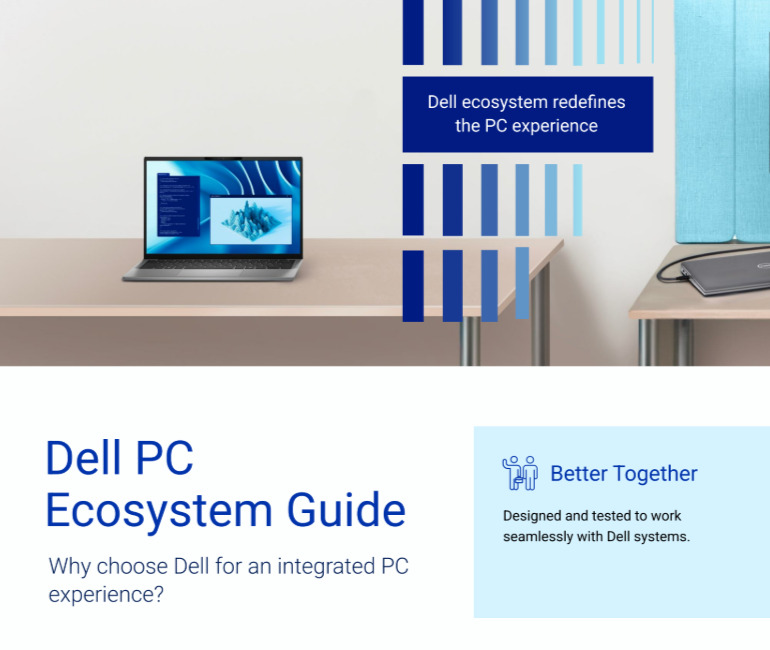
Download The Dell PC Ecosystem Guide
Organizations that provide flexibility will create a competitively differentiated employee experience. Dell’s broad range of PC Displays, PC Accessories, Software and Services creates parity of experience for those working in the office, at home or completely on-the-go.
Download this whitepaper from Dell Technologies to learn more.
The solution
IDC research suggests that organisations are failing to address the monitor needs of their hybrid employees, with the majority remaining “inflexible” when it comes to providing monitors to those working from home.
Fortunately, the solution to all of these problems is as easy as it is cost effective. In fact, it should pay itself back within months. Whether it pays for itself through reduced sick leave, an increase in productivity or simply greater staff retention, it’s a worthwhile upgrade.
In short, the investment in high-quality monitors and peripherals for your hybrid workers is a simple and worthwhile one.
Four things to look for when buying a monitor for hybrid workers
Colour coverage
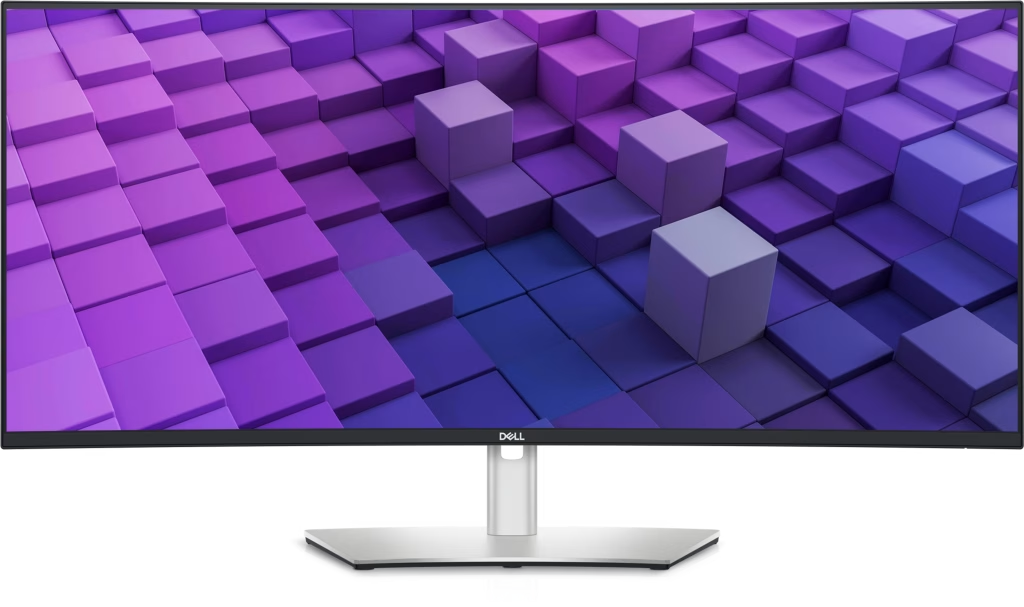
If you’re buying from a reputable monitor supplier such as Dell then it will clearly label its monitors for colour gamut. In general, look for 90% or over coverage of the sRGB gamut. For creative industries, looking for 90% or over coverage of the DCI-P3 gamut.
You should also look for a guarantee of a Delta E of under 2. This means that the monitor maker guarantees near-perfect accuracy.
Size and resolution
If your budget is limited, then a 24in monitor with a 1,920 x 1,080 resolution (often referred to as 1080p) will give hybrid workers a big boost compared to their laptops. However, to give workers a real boost we recommend a 27in monitor with a 2,560 x 1,440 resolution (1440p).
Anyone who needs a big workspace will appreciate a widescreen monitor. These need not be hugely expensive, and a 32in monitor with a 3,440 x 1,440 resolution will be a superb choice.
Adjustability
We would now steer clear of monitors that don’t include height adjustment. As mentioned in the main article, to avoid neck and back problems it’s best to look straight ahead at the monitor rather than looking down. This means workers will need to adjust the height of the monitor to suit them.
Ports and USB docking
One of the things we love about modern monitors is that they include USB-C (sometimes referred to as USB Type-C) docking. That simply means that a user can plug their laptop directly into their screen, and it will also charge the laptop. Add a wireless keyboard and mouse (the USB connector, if used, can be plugged into the monitor) and this removes wires from the desk, reducing clutter and mess.
You can also then use the monitor as a docking station. For example, you can add an external hard disk using one of the monitor’s USB ports (the older Type-A port or the newer Type-C), while some monitors even include wired Ethernet ports for rock-solid connectivity. Great for video calls!
Related articles
About The Author

Rowan Campbell
NEXT UP


