Trending Topics

 Trending
PayPal POS, Stripe or SumUp: Which is best for small business payments?

Taking payments as a small business has become decidedly easier over the years. Now all you need to accept card payments is a smartphone and an account with one of the payment providers, such as PayPal POS, Stripe or SumUp.
I’ve managed all three of these services with a voluntary organisation I work with, which takes payments both in-person and via its website. Here’s my real-world experience of using all three services, explaining the strengths and weaknesses of them all.
PayPal POS: best for in-person payments
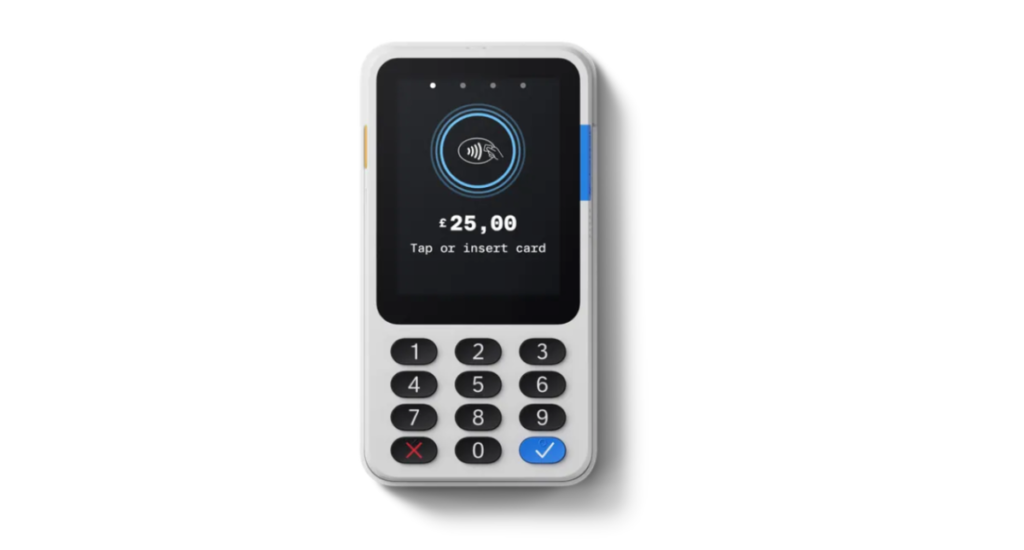
If you’re a sole trader or very small business, PayPal POS (formerly Zettle) is the simplest way to take card/phone payments wherever you might be.
The PayPal POS hardware store offers a range of keenly priced devices on which you can take payments, ranging from a very simple card reader with PIN pad, through to dedicated terminals with screens for different industries: food & drink, retail etc.
We’ve only used the basic card reader, which was a doddle to set up and pair with a smartphone, but nowadays it’s easier to use the PayPal POS app and take payments on the phone directly. My advice is to remove cases from phones when taking payments, especially when taking card payments, otherwise you might struggle to make a strong enough contact.
The PayPal POS app is brilliantly simple to operate. You can easily create new products, so that you only have to tap the item you’re selling when you want to add that to a checkout. If you sell, say, three of that item, you just tap it three times – no fiddling around with entering quantities.
You can track inventory for your products, with automatic warnings issued when stocks are running low. You can also create SKUs and barcodes, and apply VAT to individual products where necessary. It’s also possible to easily apply discount codes/vouchers at the checkout if you’re running special promotions. Sales reporting is also very clear and easily broken down by day or month, with top-selling products listed.
On the downside, each phone/payment terminal must use the same login – there are no staff accounts with graduated permission levels as there are with SumUp. There’s also no way to take payments via a website (as you can with Stripe) nor give the business its own card to spend with (as you can with SumUp).
Fees are reasonable, with a flat 1.75% charge per transaction and no monthly fees or setup costs (other than the hardware, if required). PayPal POS is not the most sophisticated option, but for a low-fuss way to take payments in person it’s superb.
SumUp: best for an all-round business account
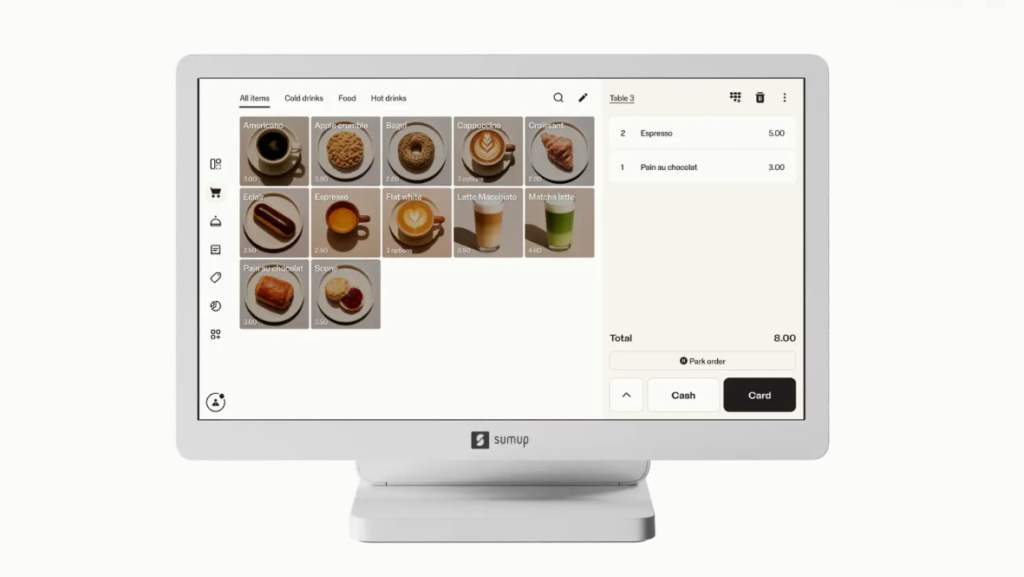
SumUp Business goes a little further than PayPal OS. For example, it not only takes payment from customers but provides you with a Mastercard debit card so that the business can make payments itself: handy for paying suppliers, for example.
It also allows you to create reusable links for products/services that can be added to websites, allowing a business to take simple payments online. Don’t mistake this for a full-blown online storefront – it’s definitely not that. But if you only take occasional payments online, it’s a handy option to have. PayPal POS only allows you to send individual links to specific customers, meaning you can’t put a product/service on a website and let any customer pay when they want.
SumUp offers a very similar range of POS hardware to PayPal if you need something beyond a smartphone to make sales with. It’s just as simple to create products in the SumUp app too, with options for fixed/variable pricing, VAT rates, inventory tracking and more all very easy to set up.
What we found far from easy to set up was taking card payments on iPhones. When we tried to enact Tap to Pay on staff members’ iPhones, we were warned it wasn’t authorised and to contact the account administrator – even though there were no options in the admin’s dashboard that allowed us to authorise individual staff member accounts for Tap to Pay, and it worked fine on Android phones.
A tortuous battle with both AI-powered and human support ensued, before it was finally revealed that we had to log in with an admin account on each staff member’s device to enable Tap to Pay on iPhone, before logging out and re-logging in with the staff member’s own credentials. A ridiculous palaver that’s not explained clearly in SumUp’s poor support documentation.
As you’ll have gathered, each staff member can have their own account, with different levels of permissions, so you don’t have to share sales data with junior team members for example.
Overall, then, a decent option for businesses that want to both make and take payments. With pay-as-you-go transaction fees of 1.69%, it’s also a slither cheaper than PayPal (you can reduce transaction fees further by paying a monthly fee if you’ve got significant sales volume). Just beware that dealing with support may be mildly traumatic if something goes wrong.
Stripe: Best for online payments and subscriptions
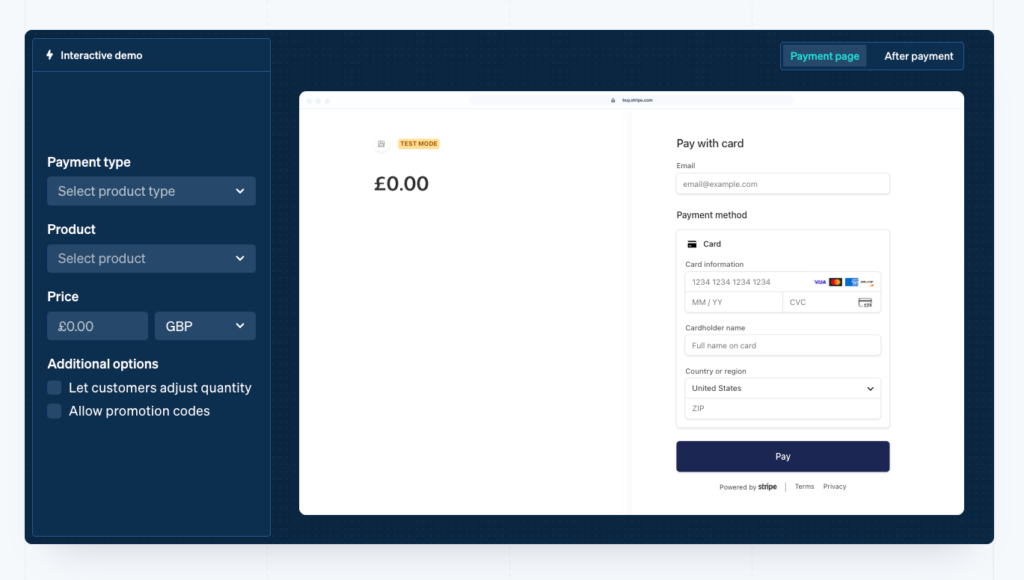
Stripe is a well-known powerhouse of online payments, but compared to both PayPal POS and SumUp it’s over-complicated for small businesses.
We’ve found it best for creating subscriptions (where customers pay a recurring weekly/monthly fee for products) or links we can use to sell individual products on a website.
It also integrates very well with AI services, which can make the rather laborious process of creating payment links with Stripe much easier. For example, last month we needed to create ten separate payment links in one shot. We just gave a list of the products to Claude and asked it to use our connected Stripe account to create the payment links for us, turning a 15-20 minute job into one that took less than a minute to complete. We could then ask Claude to write the sales blurb copy for the website that those links were hosted on.
Anything that spares us from spending time in the Stripe dashboard is fine with us, because it feels like it’s designed for software engineers not small business owners. It’s clearly better geared to enterprise-level payments, so be prepared for a learning curve if you’re new to online payments.
Stripe does offer a facility for payment terminals and Tap to Pay on iPhones, but you can’t just create an account online and start taking payments almost instantly, as you can with the other two. Instead, it’s part of Stripe’s “Terminal SDK” and can be added to an existing account in “just a few weeks”.
Overall, we’d say Stripe is more advanced than most small businesses seeking a simple payments solution really needs. It’s definitely more flexible than the other two when it comes to creating payments for online sales/subscriptions and the AI integration is a huge boon, but most small firms will be better off with SumUp or PayPalOS. They may be financially better off too, with Stripe charging 1.5% and 20p per transaction on its standard plan, making it more expensive than SumUp for transactions of less than around £105.
More finance-related articles
About The Author