Trending Topics

 Trending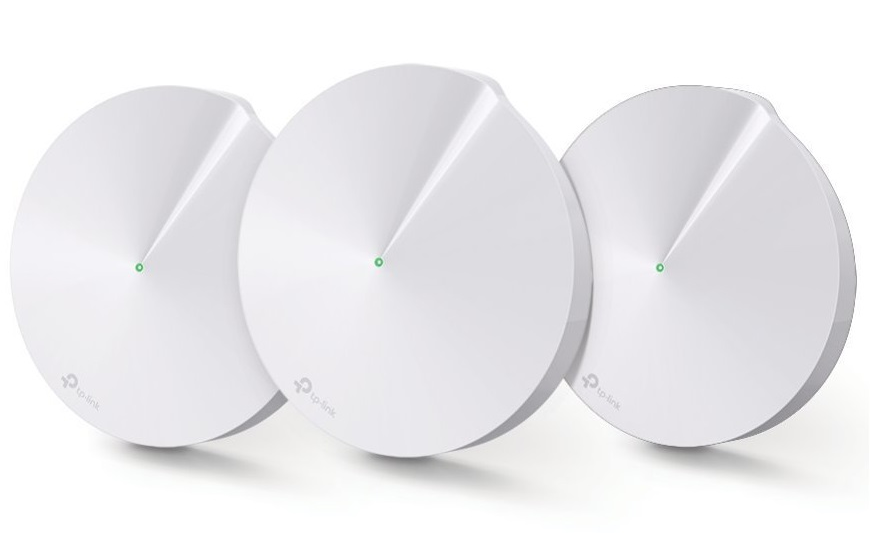
What does the coloured light on my TP-Link Deco M5 mean?

TP-Link is one of many companies offering mesh routers – several small devices that blanket your house in Wi-Fi, instead of a single router. The TP-Link Deco M5 sports a single, round LED at the top of each device – but what do the LED colours mean?
TP-Link Deco M5 LED colours explained
Yellow (solid)
The Deco unit is starting up.
Blue (pulsing)
The Deco unit is ready for setup.
Blue (solid)
The Deco unit is in the setup process.
Green (solid)
The Deco unit is connected to the internet and is working properly.
Red
Something is gone wrong! Check the Deco app for more details.
More explainers you might be interested in
About The Author