Trending Topics

 Trending
We go hands on with the Lenovo ThinkBook Modular AI PC Concept at MWC 2026

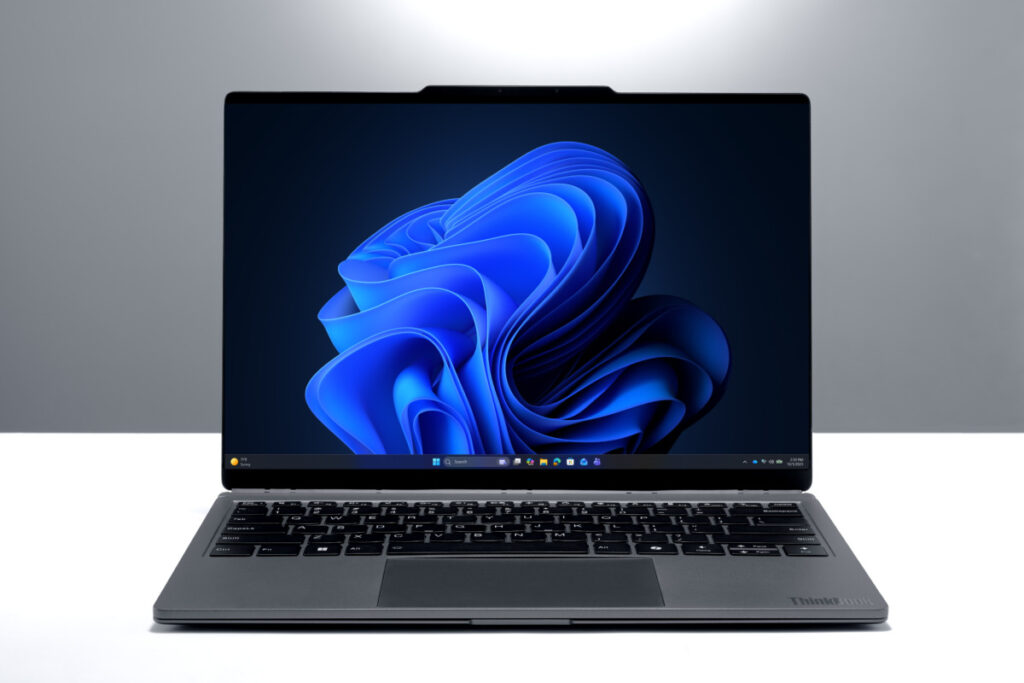
You’ve got to love Lenovo. At MWC this year, it announced not one, not two, not even three concepts: instead, I was treated to six. I run through the others in my first look at the Lenovo Yoga Book Pro 3D concept, but here I concentrate on the ingenious Lenovo ThinkBook Modular AI PC Concept.
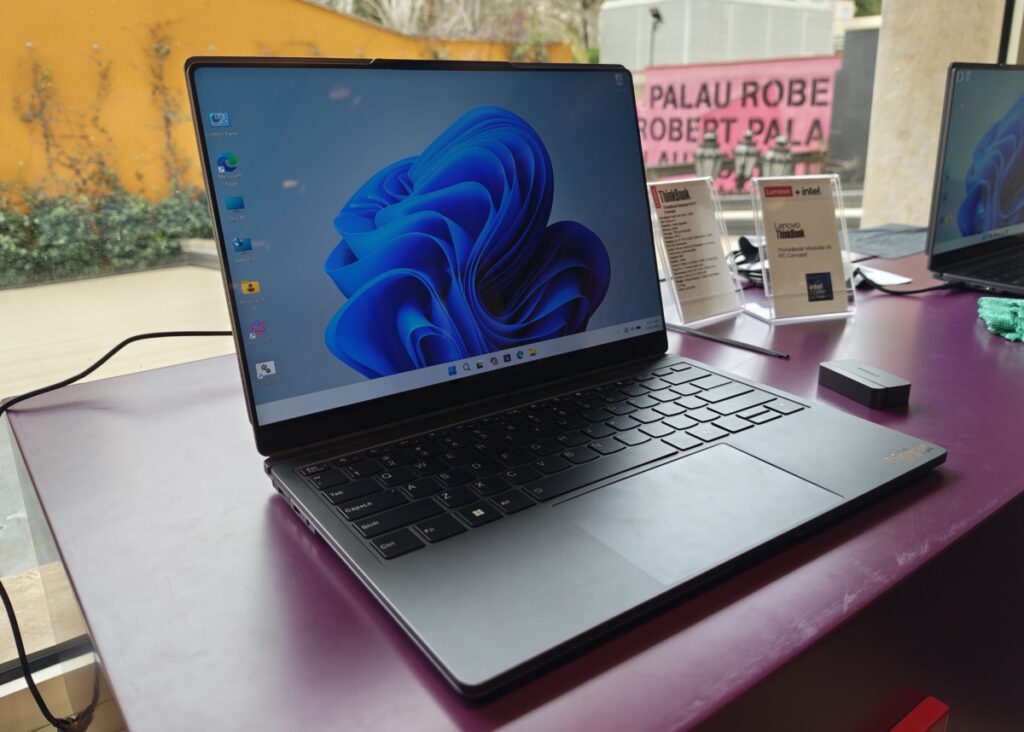
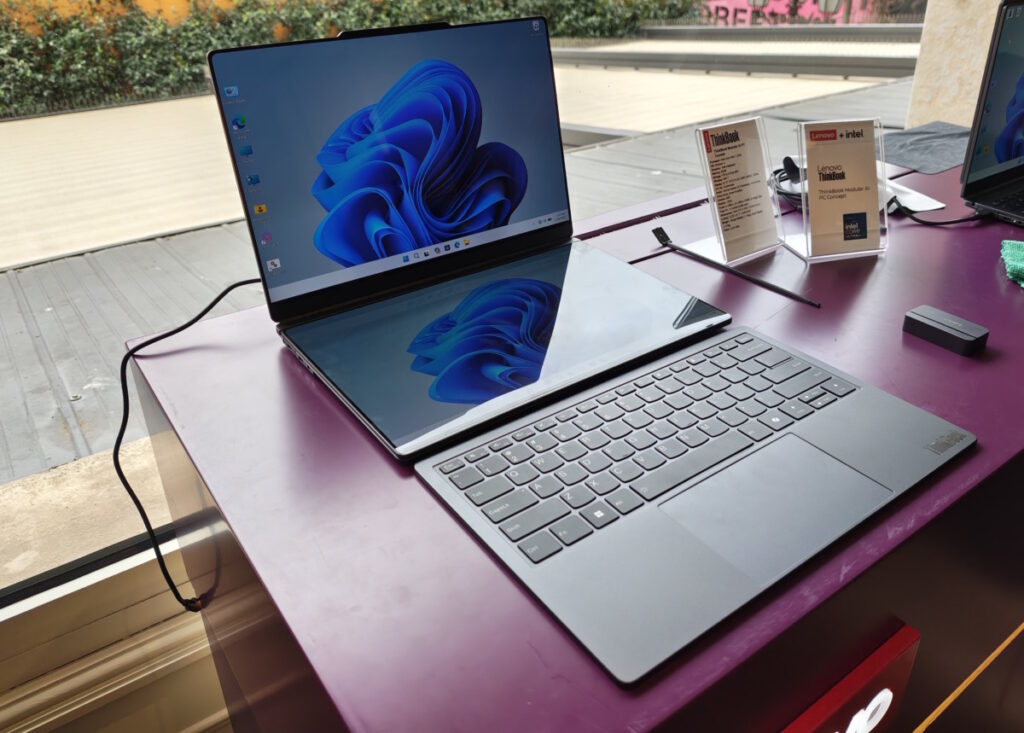
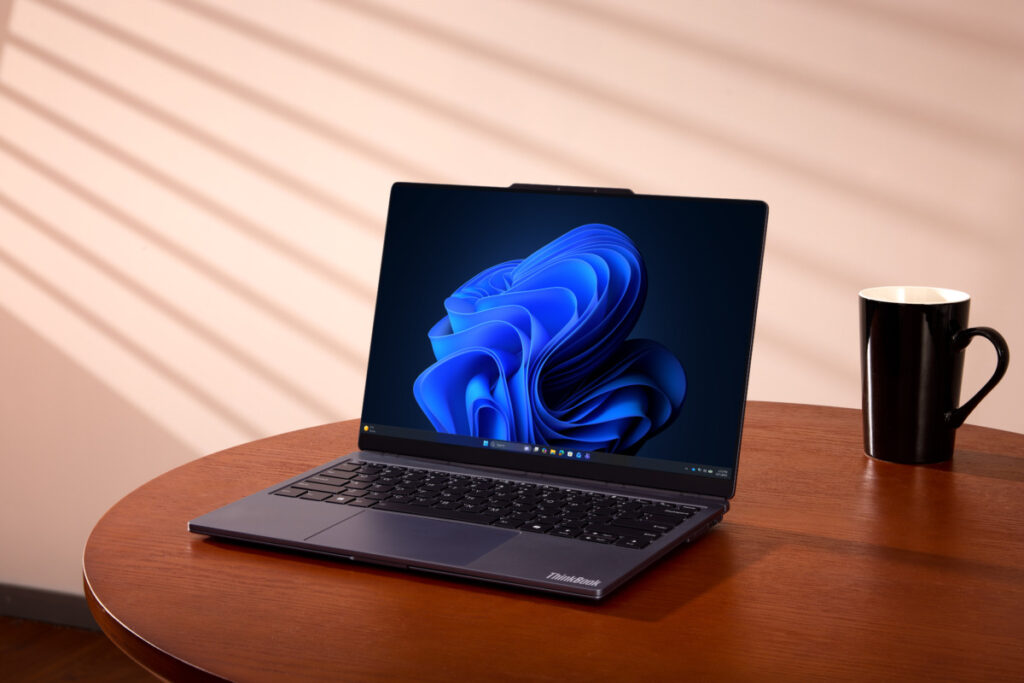
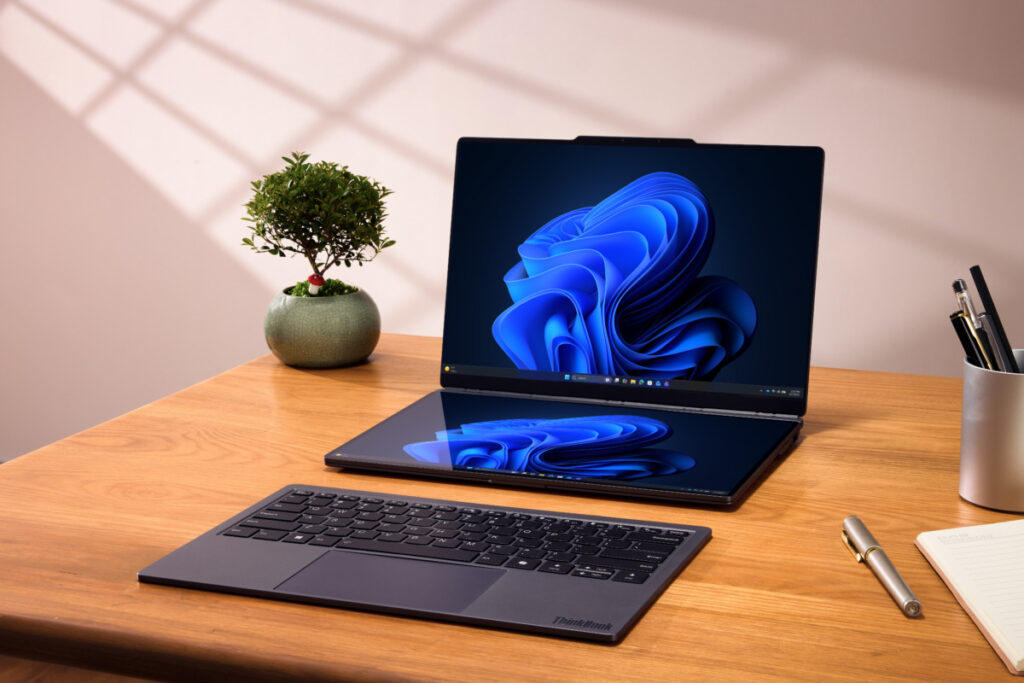
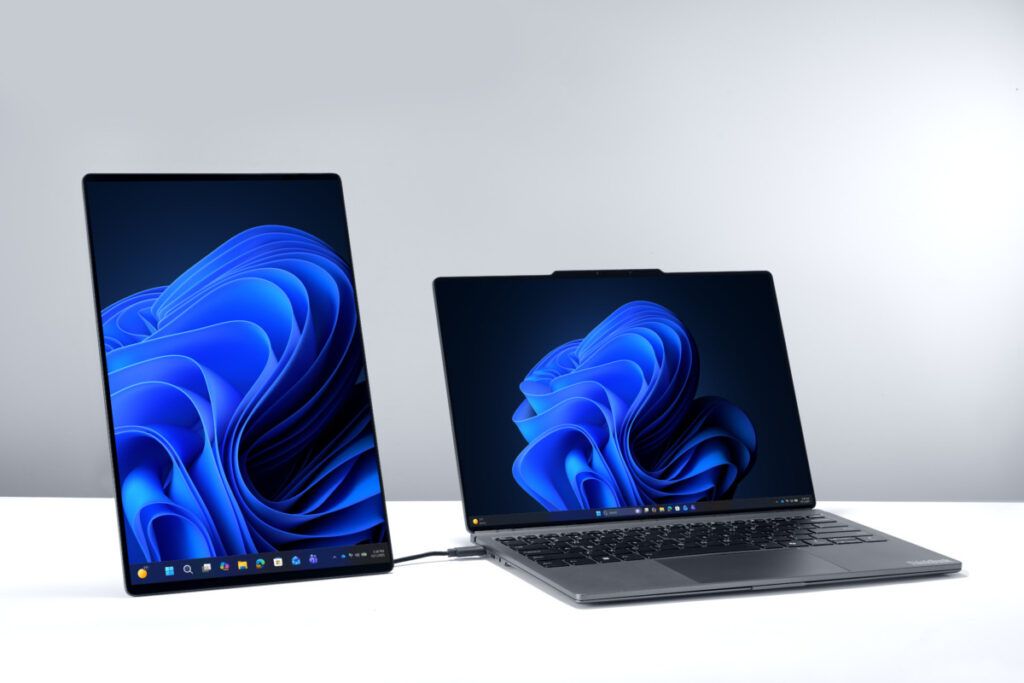
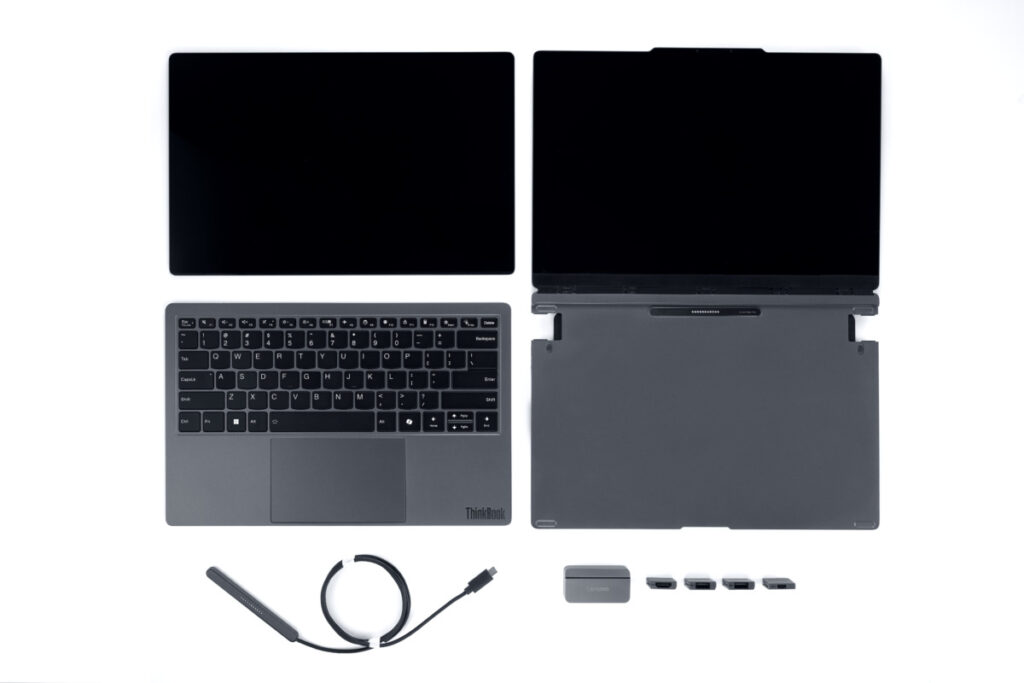
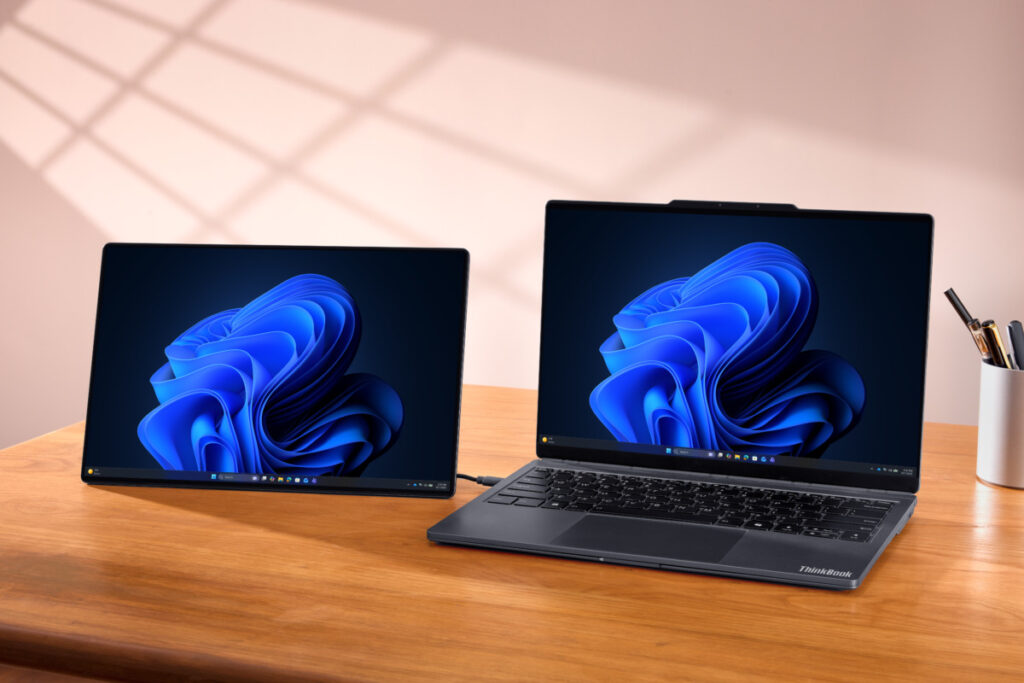
First, imagine you have a normal laptop. Now imagine that rather than the keyboard being an integral part of the design, it can unclip from the base. Finally, allow your imagination to go wild: that Lenovo has piggybacked a magnetic 14in display onto the rear of the laptop. A screen that you can unclip from the rear of the chassis and place where the keyboard used to be.
It’s clever. This means you could travel into work without the second screen, and your laptop weighs less than 1kg. But if you’re travelling to an international trade show, say, then you clip on the second screen so that you can extend your desktop when you land at your hotel. The weight increases to around 1.3kg, but that’s far less than a laptop plus conventional mobile display.
Mechanics of the Lenovo ThinkBook Modular AI PC Concept
So, how does this all work in practice? This all boils down to a) how do things connect and b) how do you defy physics and stop screens falling down due to pesky gravity.
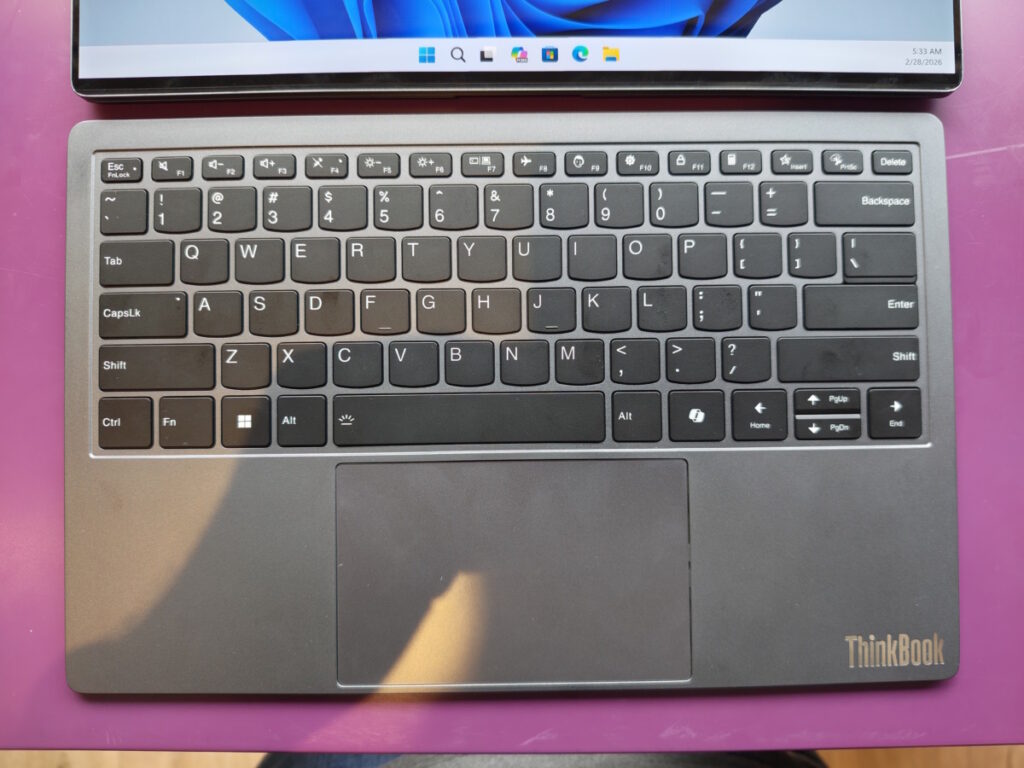
The detachable magnetic keyboard is easy. This connects (and charges) using a series of pogo pins when it sits on the base, which will be its default mode. The keyboard switches to Bluetooth when you detach it.
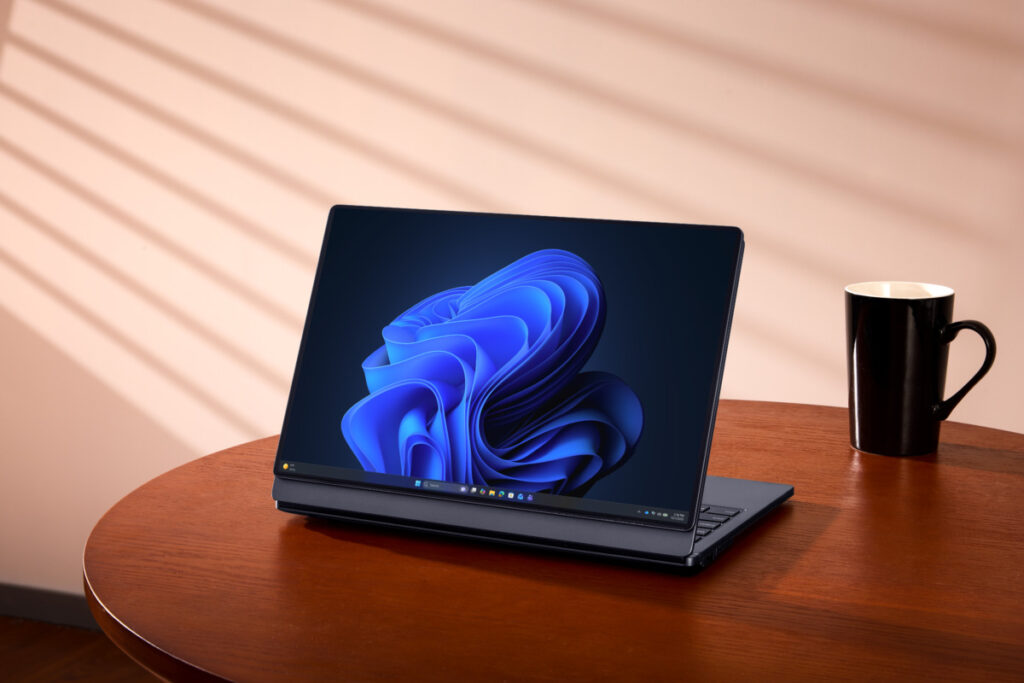
Then we come to the second screen. When magnetically attached to the rear of the laptop it again uses pogo pins to feed electricity and display signal. There’s no perceptible latency: it just works.
Things get a little trickier when you want to use it as a secondary display as you need to connect it via a USB-C cable. This is a brainless display, I should emphasise. There’s no battery, no wireless transmission, everything is done by wire.
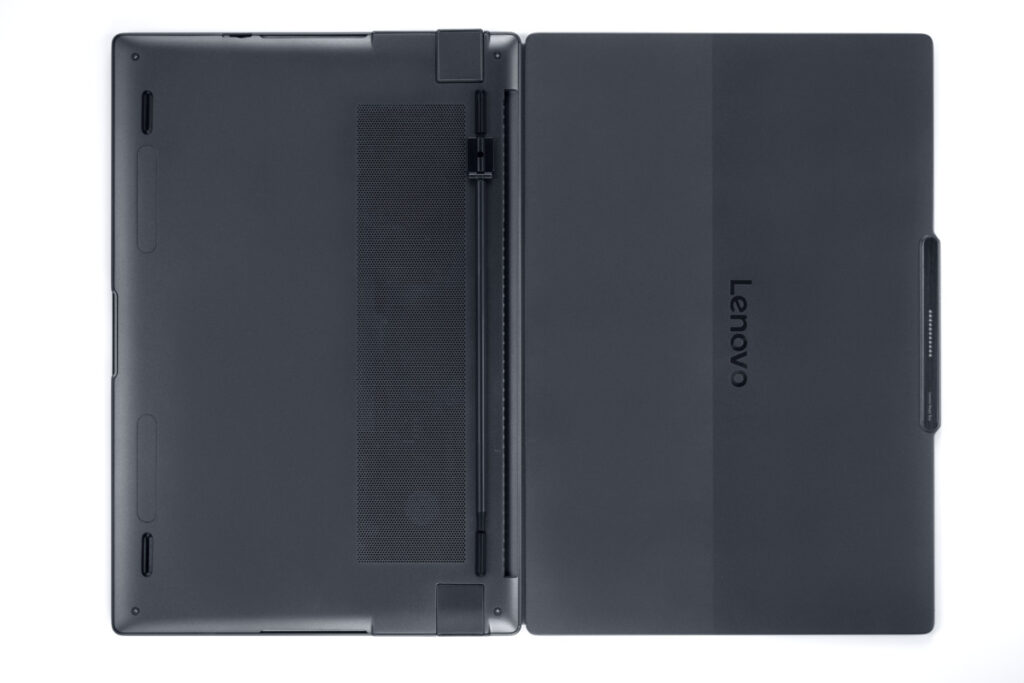
Lenovo hasn’t yet found room for a kickstand in this panel, instead relying on a detachable leg that magnetically attaches to the rear of the display. You can position the leg so that it supports the display in either portrait or landscape views, which is handy, but it feels a tad clumsy. When not in use, the leg clips into place on the underside of the laptop, lining up with the “feet”.
What’s great about the Lenovo ThinkBook Modular AI PC Concept
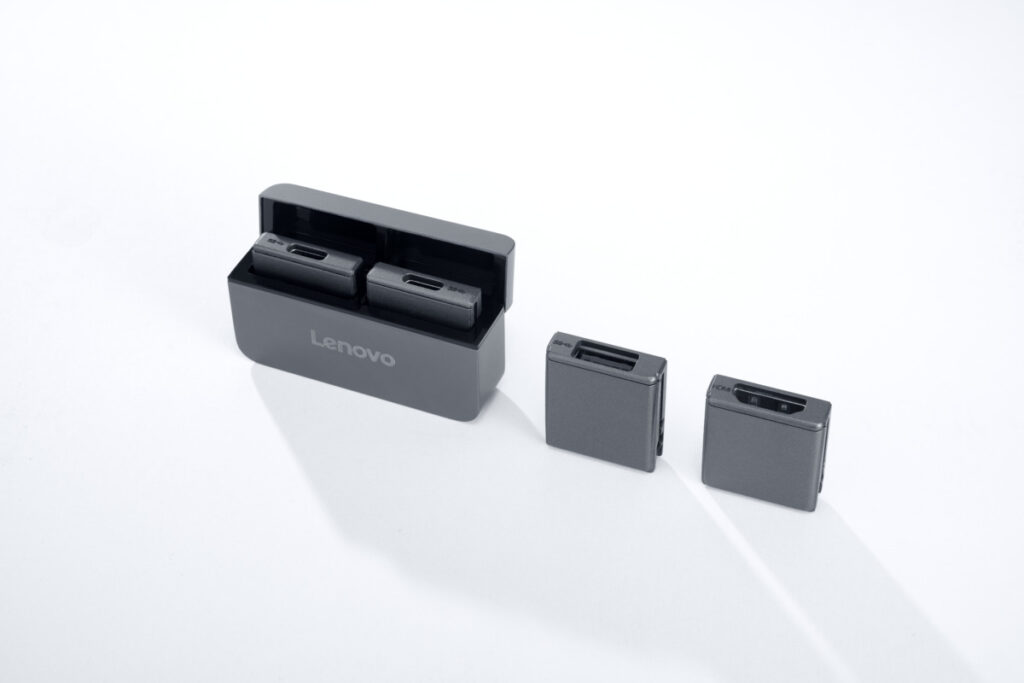
So I have my criticisms, but overall I love Lenovo’s thinking here. Especially as carries the modular concept to the ports, with one bay on either side that can be filled with your choice of ports: USB-C, HDMI or USB-A.
But the killer idea here is a laptop that transforms with your needs. Sitting at a desk and want two monitors? No problem. Just want an ultraportable laptop for daily travel? Leave the second monitor at home and enjoy all the benefits of a sleek and no doubt powerful machine. Powerful because if this concept ever sees the light of day, any of AMD, Intel or Qualcomm’s latest chips will slot in nicely.
I’m also a fan of having two monitors that use the same colour profile and resolution, which this will provide as Lenovo will tune them to work together. Both were top-quality OLED panels, too, adding to the sense of quality. The fact that you don’t need to worry about a second power supply or any setup adds to its appeal, especially versus software-driven solutions such as Duet Display to turn your iPad into a second screen. These always suffer from latency, too.
What’s not so great
Inevitably, there are compromises. The travel on the keys was notably less than a normal laptop keyboard, and it will slide around on a shiny desk if you detach it.
I also see two big problems with the twin monitor setup. First, there’s a huge gap between the displays if you place the second monitor where the keyboard normally goes. Second, Lenovo hasn’t solved the problem of placing them horizontally side by side.
I’ll try to explain. Imagine if you wanted to use this ThinkBook concept as an all-in-one. Then ideally you want to work on a single widescreen display, like you normally do on your desk. The expanse of bezel between the two panels is one big problem here, but so is the fact that it won’t stand up.
That’s because, again, there’s no kickstand. You can fold them a little inwards to create enough surface area to support the weight, but that mini leg isn’t strong enough to support the 1kg+ weight of twin screens. You can lean it against a pile of books, say, but that’s hardly ideal.
This is where the Lenovo ThinkBook Modular AI PC Concept falls behind against the already mature Asus Zenbook Duo, now updated with Intel’s fast Core Ultra Series 3 chips. It’s far chunkier but when you detach the keyboard it has the distinct advantage that you can actually use it as an all-in-one system.
Gallery of Lenovo’s official photos

Initial verdict on the Lenovo ThinkBook Modular AI PC Concept
Still, the ThinkBook Modular AI PC Concept has its advantages versus the Zenbook Duo as well, and if it suits the way you work then keep your eyes open for a full release. I can’t see any technological reason why this shouldn’t work.
Gorilla Glass provides excellent protection against scratches and even at this concept stage the magnets do their job magnificently. Plus, as I’ve already mentioned, there’s no shortage of excellent, power-efficient CPUs that could slot neatly into this slim design.
So that’s a big first plus for the Lenovo ThinkBook Modular AI PC Concept. As for the remaining concepts it showed off at MWC 2026 – well, as you’ll read, I wasn’t quite so taken by them.
About The Author

Tim Danton
NEXT UP


