Trending Topics

 Trending
First look at the Lenovo Yoga Book Pro 3D concept

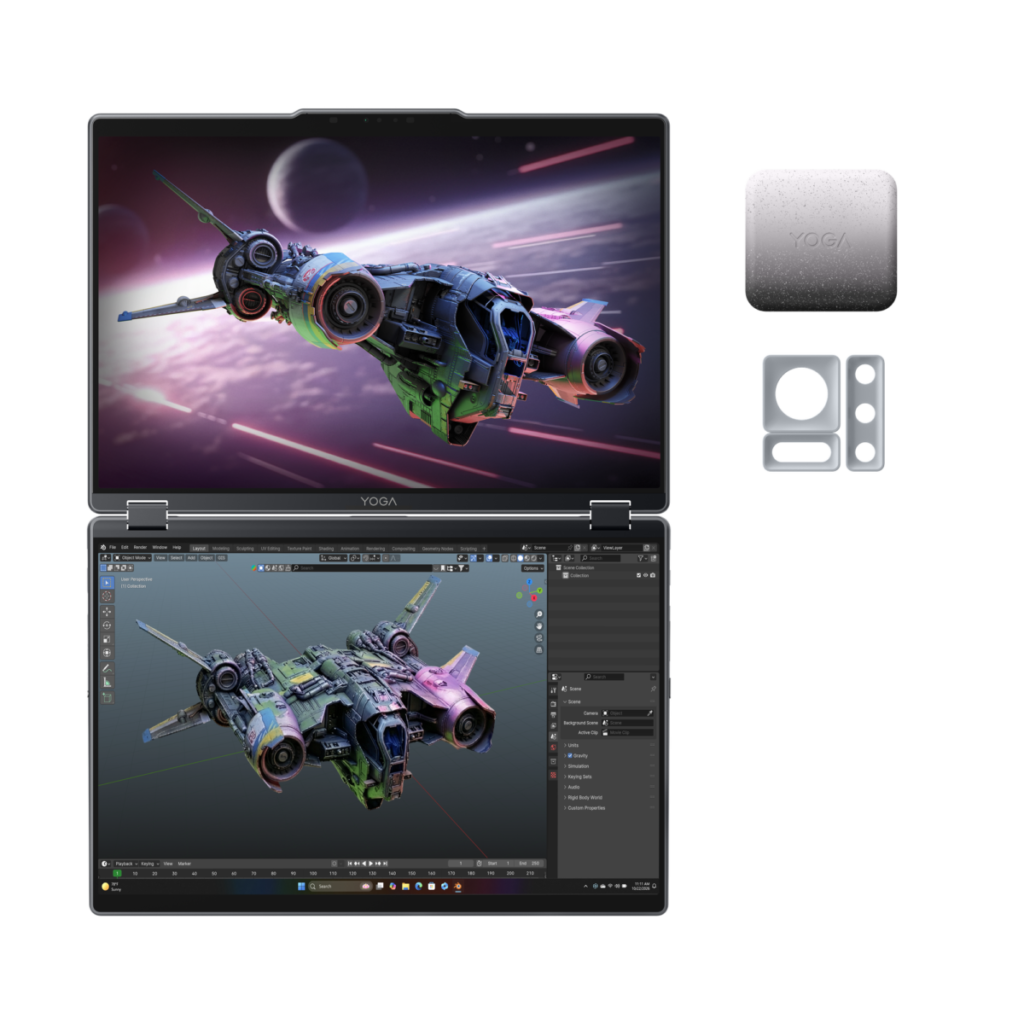
Lenovo surely set a new record at MWC: the most concept devices announced at one show. Including the Lenovo ThinkBook Modular PC concept. Here I focus on the Lenovo Yoga Book Pro 3D, a powerful laptop with two connected screens, similar to the Asus ZenBook Duo. Here, though, not only are the screens bigger (16 inches) but the top one supports 3D. So creatives can create their designs and then see the output.
To my knowledge, this is a world first. I’ve reviewed two-screened laptops before, and I’ve also reviewed laptops that include 3D panels, but not both at once. And if I’m honest, I’m yet to be persuaded it’s a good idea. But let’s see what you think.
What you need to know about the Lenovo Yoga Book Pro 3D concept
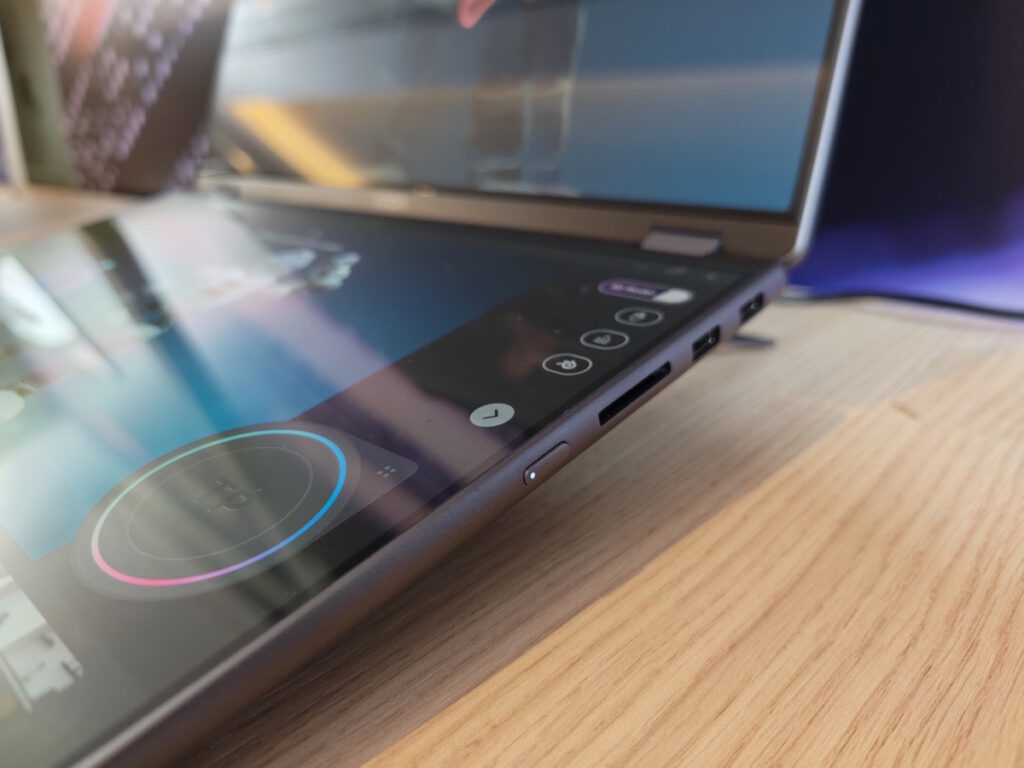
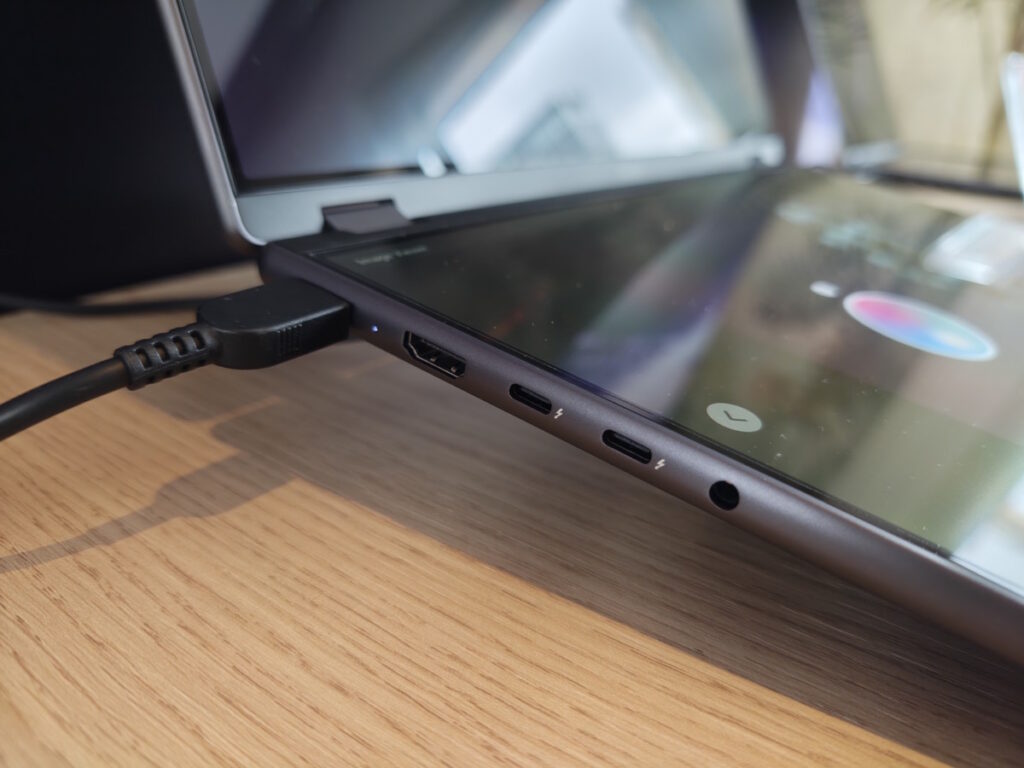
Let’s first cover 3D screens. These use a combination of eye-tracking and a dual-layer panel so that your left eye and right eye sees the on-screen image at slightly different angles. Your brain does the rest. Acer and Lenovo both sell 27in screens that support this and they work amazingly well.
I find them better than a laptop panel simply because when you’re working on an object in 3D you want to see it close-up. A larger screen increases the view space, whereas I find a laptop version cuts off the image in its prime.
Still, there are benefits of being able to carry the 3D screen wherever you go. Such as…. well, that’s where things get niche, as most design studios will do their heavy lifting in the office. But perhaps if you want to showcase your models on the road. Then it’s useful.
Only the upper screen supports 3D, but both look like they offer excellent colour reproduction and both feature tandem OLED technology. That means exceptional, punchy colours. No doubt they will be calibrated to match creative workflows if this laptop is ever released.
The final tech worth mentioning is a combination of Core Ultra Series 7 processor and Nvidia RTX 5070 graphics. That provides plenty of horsepower to creative applications, although they’re consumer-level rather than professional-level silicon. Still, add Nvidia Studio drivers and most 3D animation/CAD software will run smoothly.
Lenovo’s secret 3D sauce
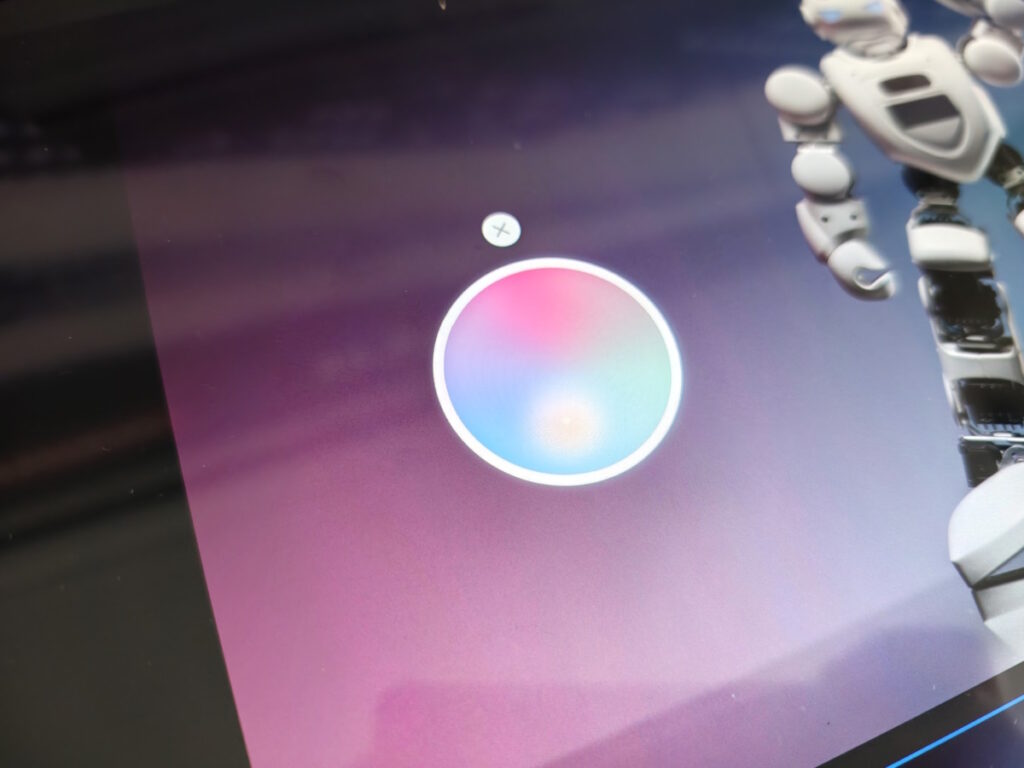
Along with the 3D panel and powerful innards, Lenovo has added some of its own software magic to enhance the usability of the Lenovo Yoga Book Pro 3D. For instance, if you move the model you’ve created from the lower screen to the upper screen then it will automatically create the 3D model.
In fact, using the 3D depth-sensing camera, it will detect your hands so that you can “grab” the image from the lower screen and throw it to the top screen. Once there, you can use pinch and zoom gestures to examine it up close. Or put your hand into a fist and then rotate it: the model will follow suit.
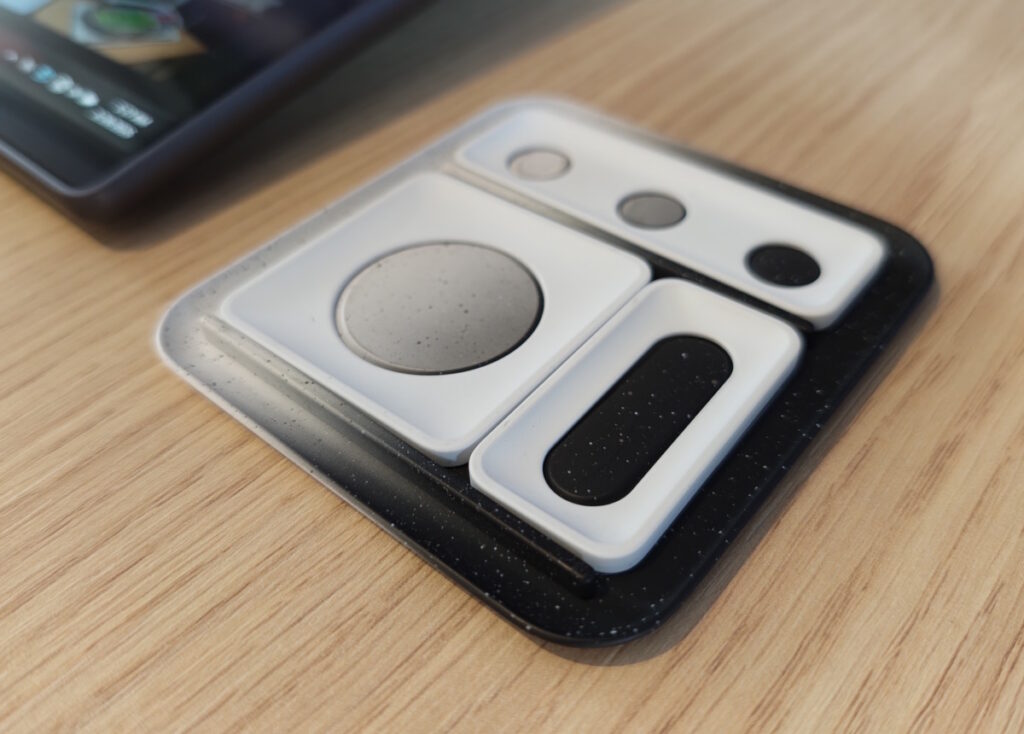
Lenovo has also created hardware to create shortcuts. The accompanying video shows this best, but the idea is that you drop one of the three metal cutouts onto the screen and software prompts appear that let you make adjustments. For example, to the lighting or hue of the model.
Lenovo Yoga Book Pro 3D concept: early verdict


Unlike the Lenovo ThinkBook Modular PC Concept, there are numerous hurdles in the way of this Yoga Book Pro 3D Concept. The software is clever but also clearly in its early stages, and there is also the sheer cost of the hardware. Are enough creatives going to be so interested that Lenovo can ever make a profit on this line? Frankly, I have my doubts.
Other Lenovo concept devices at MWC 2026
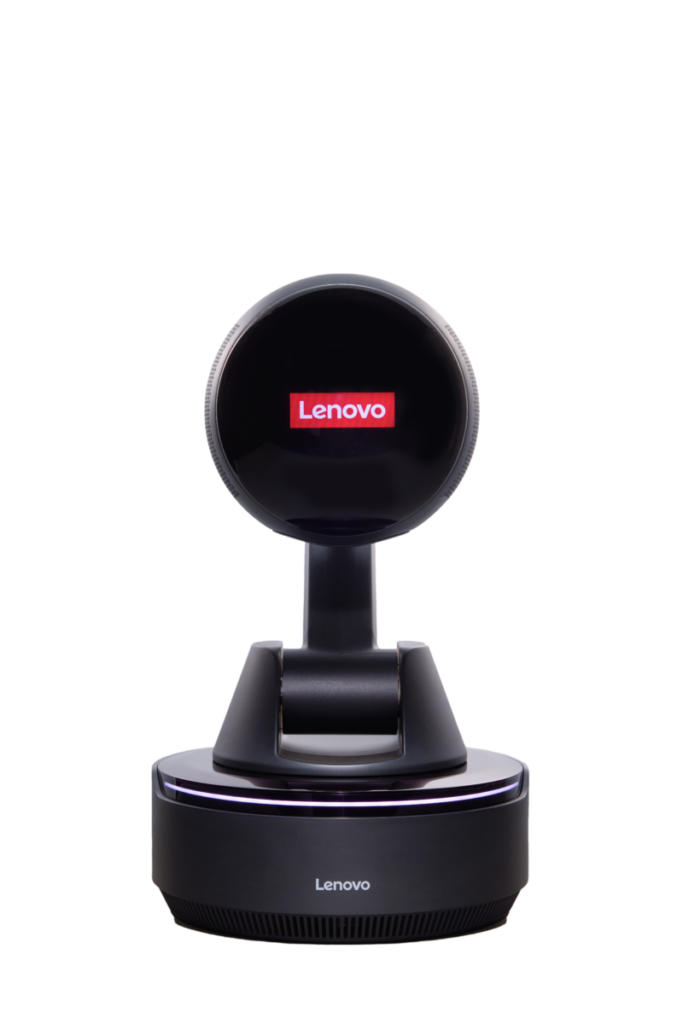
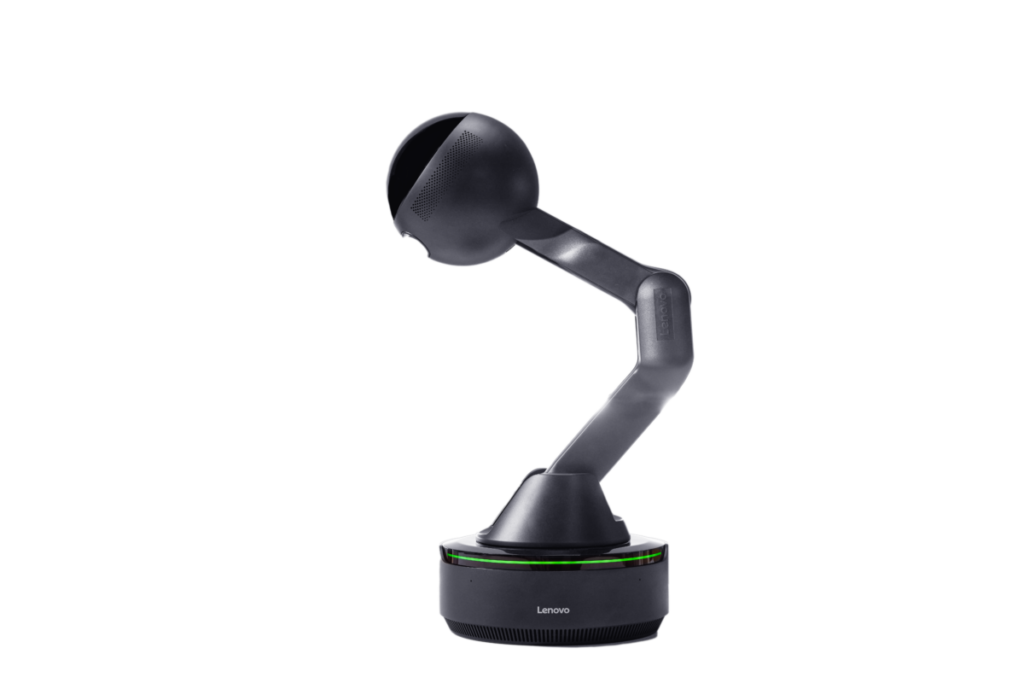
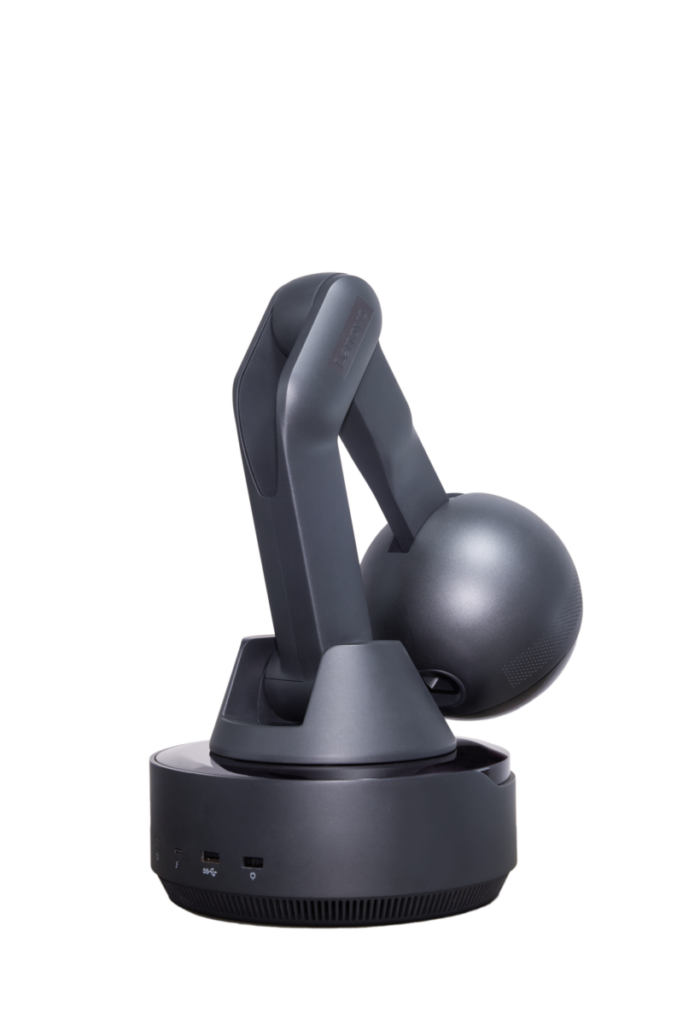
Lenovo also showed off its weird Lenovo AI Workmate Concept. It’s an “on-desk companion” with a display at the top, complete with friendly eyes, that can adjust up and down and swivel from side to side, much like Pixar’s famous lamp. Minus the jumping. It even builds in a projector to display, say, a presentation that it helps you create. Let’s move on.
On-the-move gamers may well love the Legion Go Fold Concept. This runs Windows 11 and squeezes a Core Ultra 7 258V processor, 32GB of RAM and a 48Wh battery into its slender, foldable 11.6in AMOLED screen. You can attach a keyboard case when working (turning it into a mini laptop) and a pair of detachable controllers onto either side when gaming. Kind of like a gigantic Nintendo Switch.
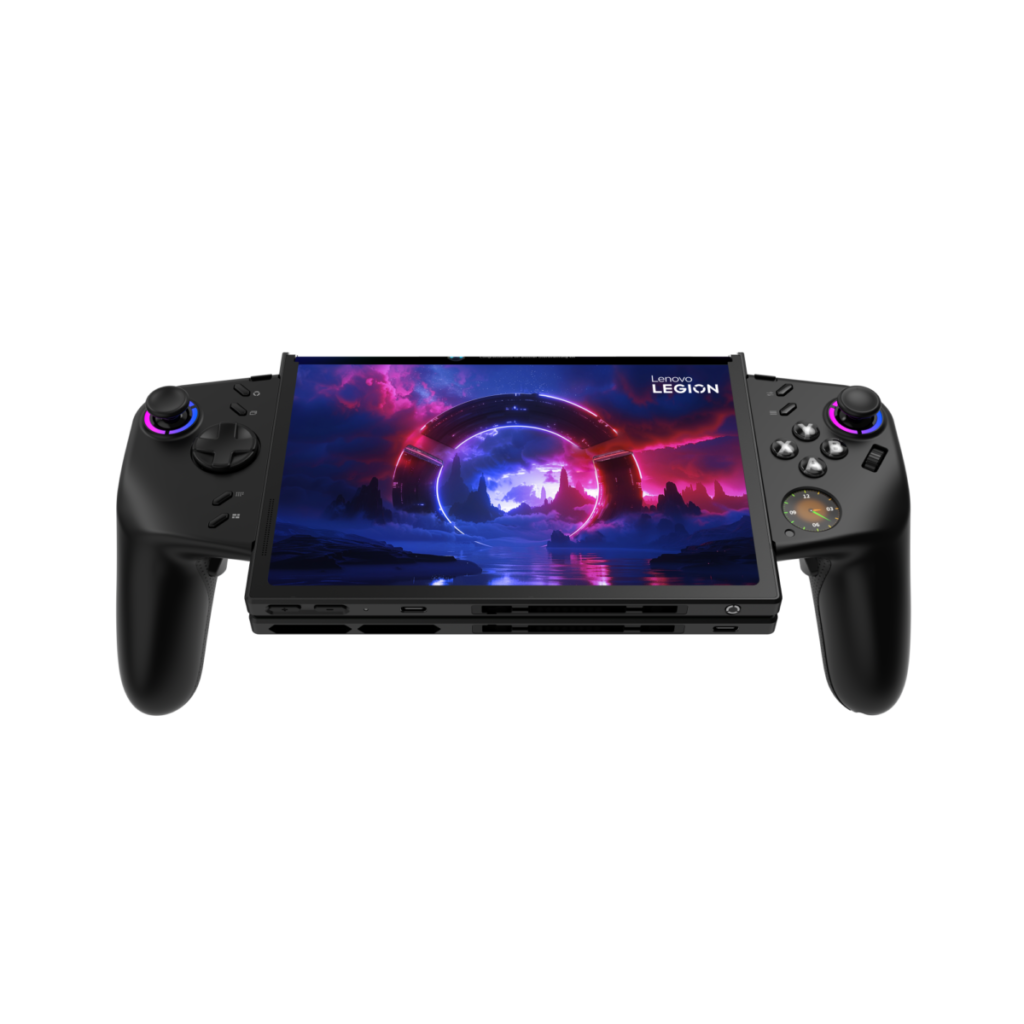
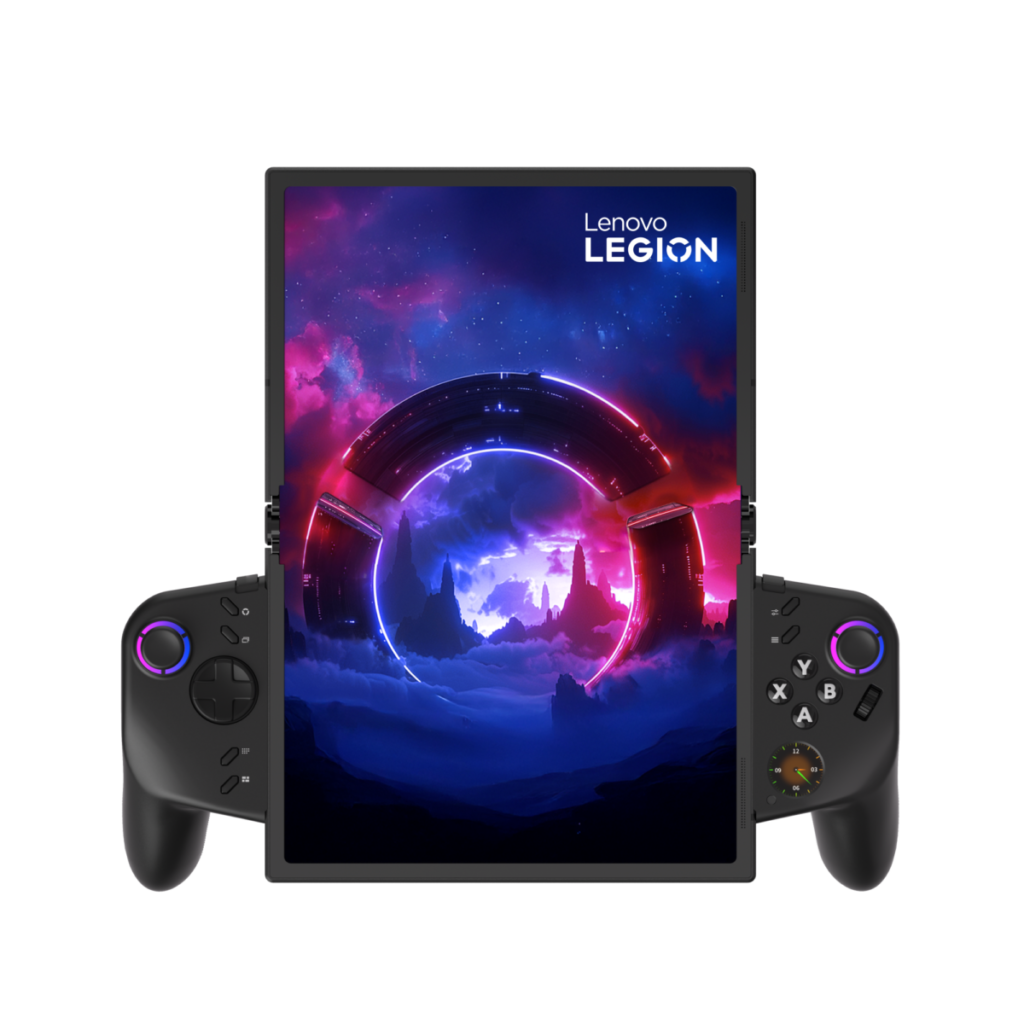
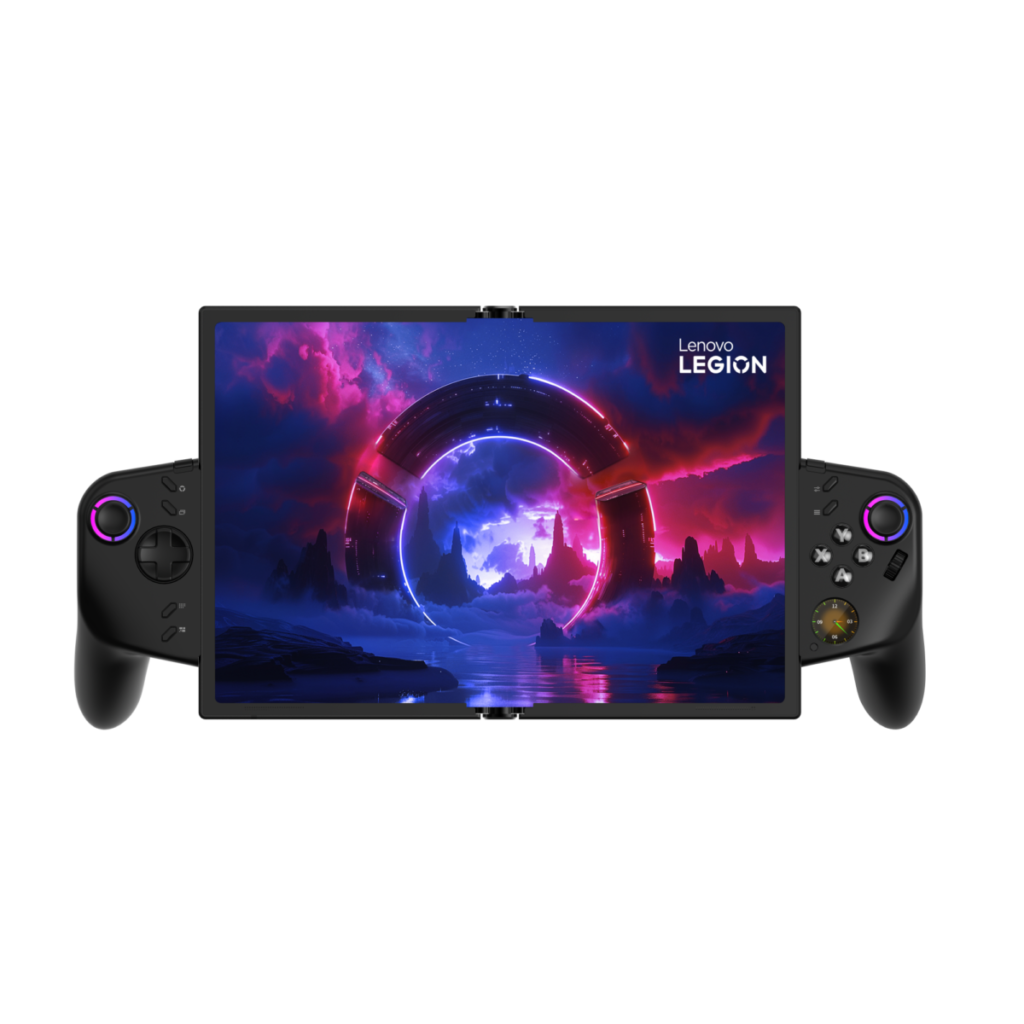
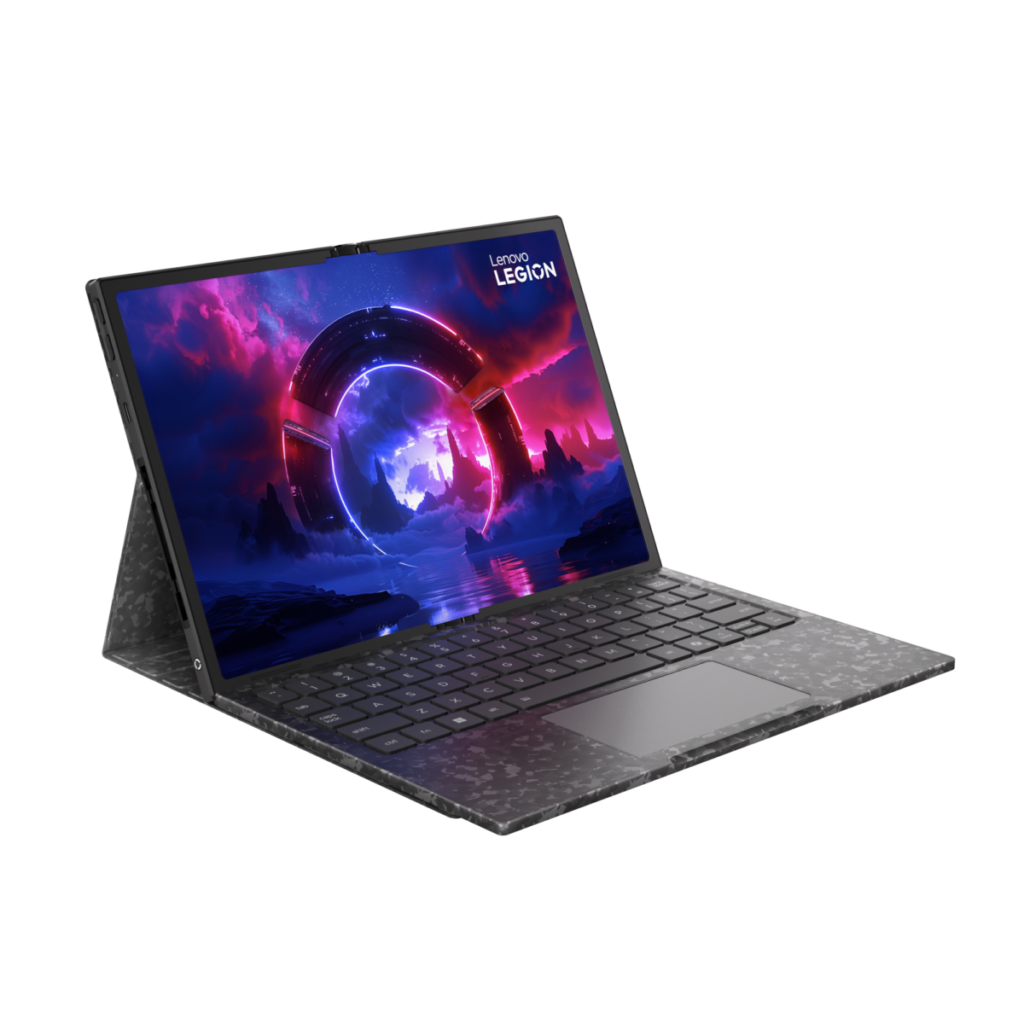
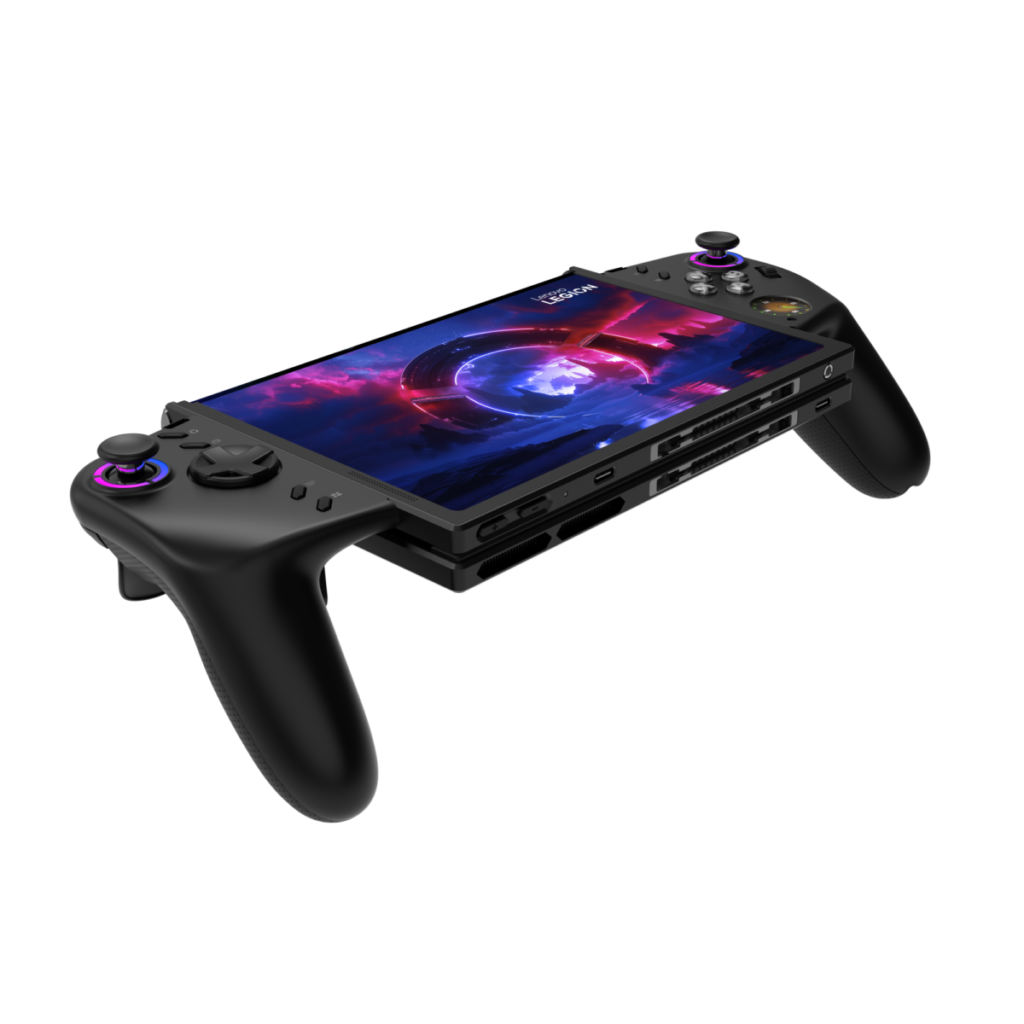
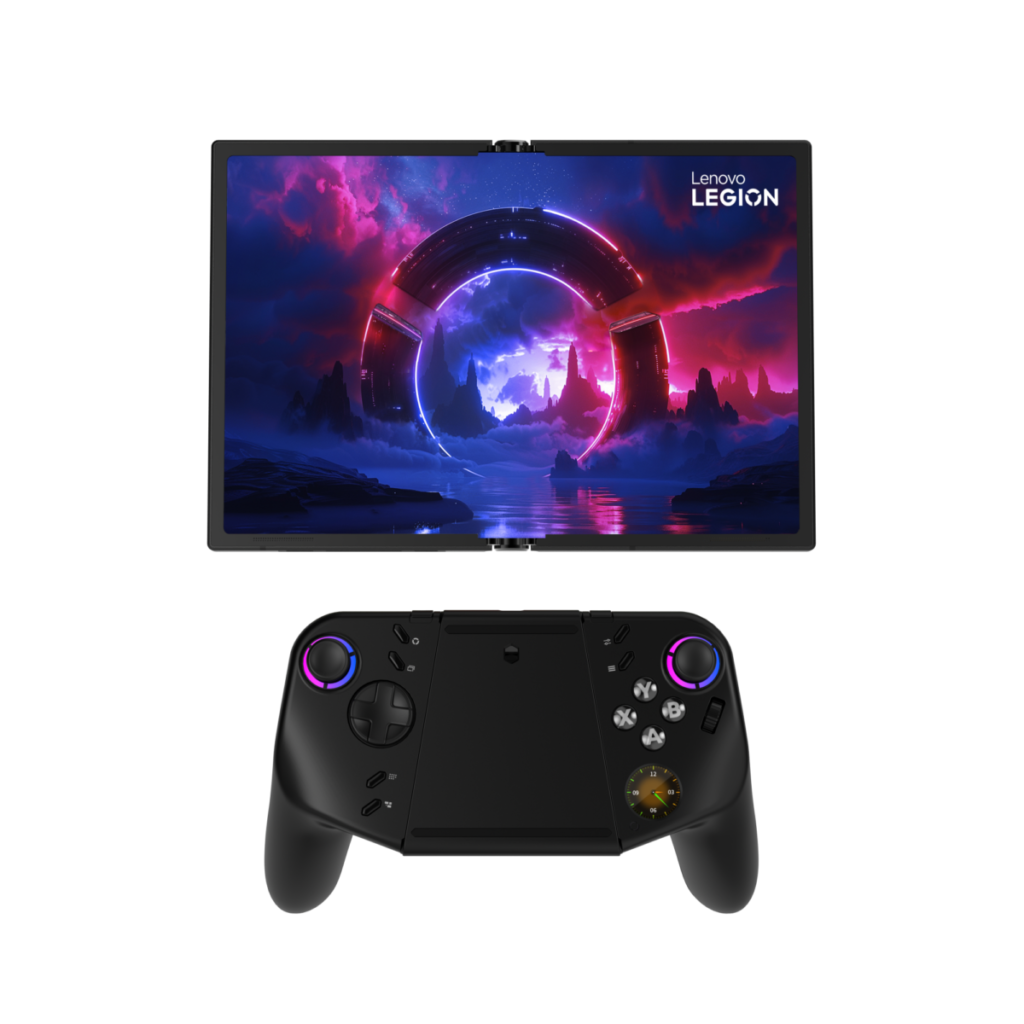
It’s clever but still feels like a concept, not least as the Lenovo demonstrator occasionally struggled to slot the controllers into the gaps on either side of the screen.
Finally, in terms of the concepts I saw, Lenovo showed off an AI-driven Tamagotchi-style device that plugged into the top of laptops featuring its Action Bay connector. The idea being that you could chat to it as an AI buddy, with extra “fun” coming from the things you could feed it. Virtually of course.
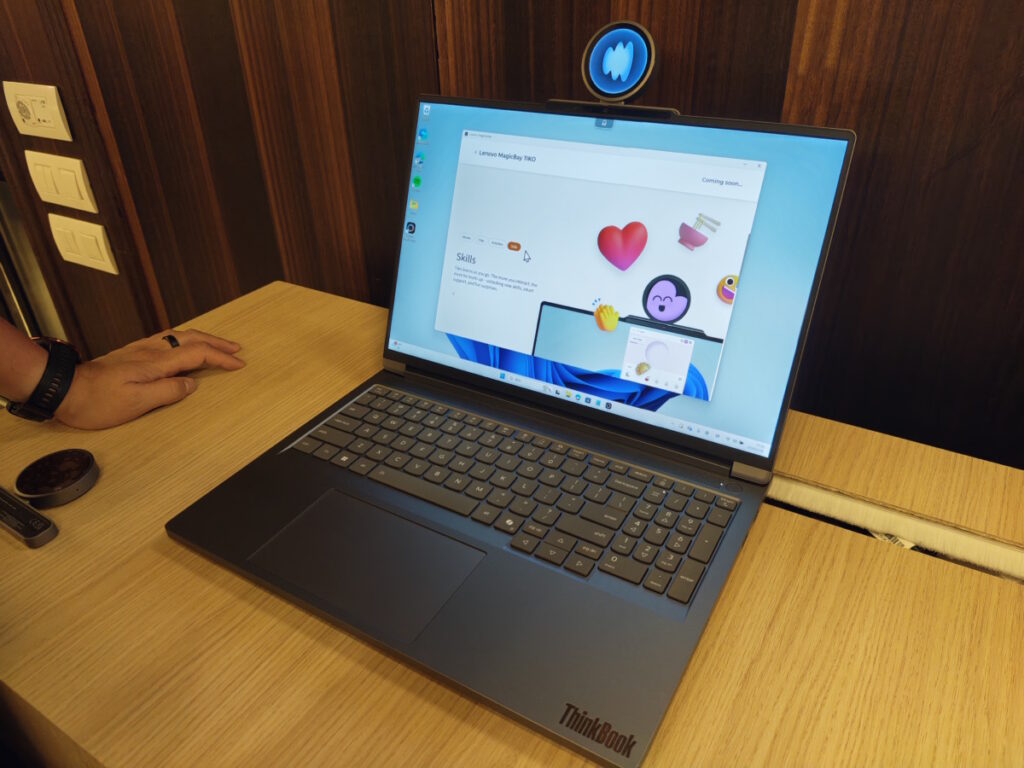
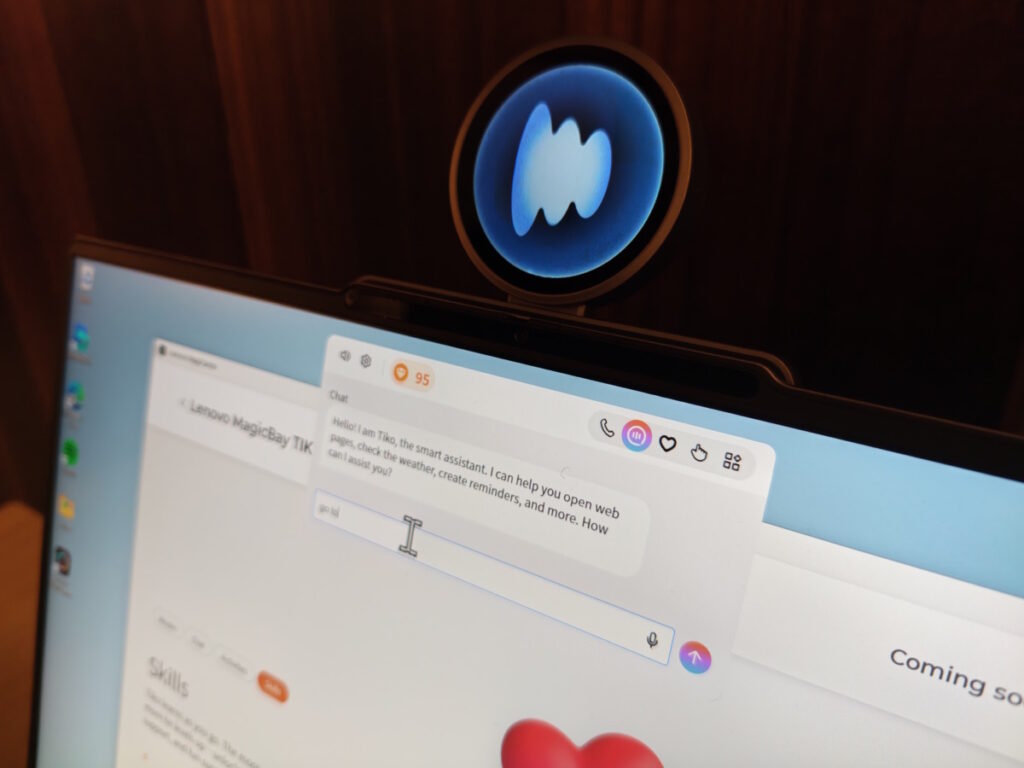

Unlike the Lenovo ThinkBook Modular AI PC Concept, though, it feels like those other concepts are going to stay in that state.
About The Author

Tim Danton
NEXT UP


