Trending Topics

 Trending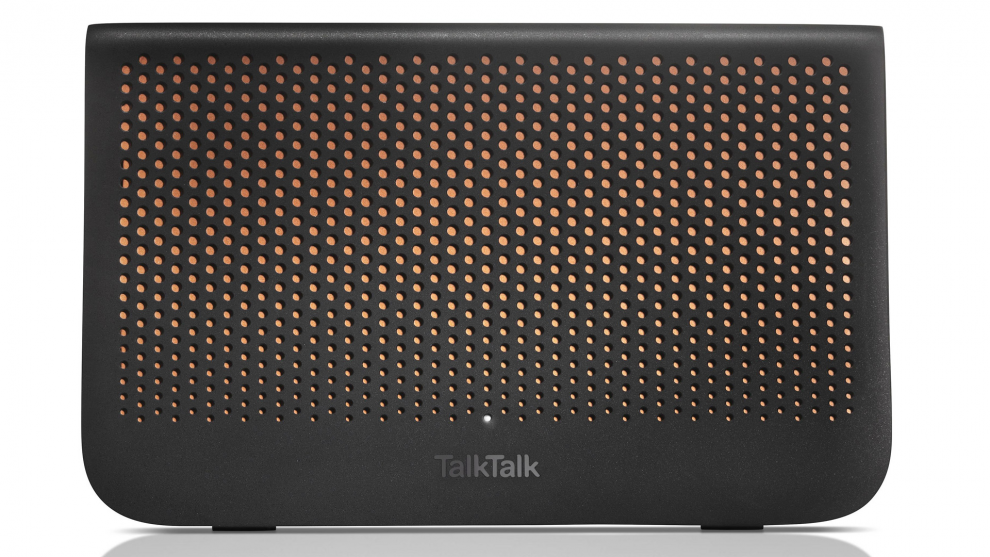
What do the coloured lights on my TalkTalk Wi-Fi Hub mean?

The TalkTalk Wi-Fi Hub, having replaced their “Super Router”, has received positive reviews in the press since it’s launch a number of years ago. However, no router performs spotlessly. If you’re seeing coloured lights on your TalkTalk Wi-Fi Hub and you’re not sure what it means, here’s our quick guide to what that LED indicates.
Related reading: What do the lights on my BT Smart Hub mean?
What the lights on the TalkTalk Wi-Fi Hub indicate
Blinking amber
Your Wi-Fi Hub is starting up. You might see this if you suddenly lost power or the router has decided to reboot itself. Sometimes routers reboot automatically to shake off a connection problem. Rebooting your router is often the easiest way to solve connection problems. Sometimes things just get stuck!
Blinking amber and white
Your Wi-Fi Hub is connecting to the internet. Your devices may show they have a Wi-Fi connection, but you won’t be able to access any websites or online apps until the white has gone solid white.
Solid white
You’re connected to the internet. All is good.
Solid amber
Your Wi-Fi Hub is verifying your connection. If you’ve got a fibre connection you should wait a few minutes. If you haven’t got fibre, or the light stays solid amber for more than 15 minutes, you’ve got a problem. It’s time for a chat with those lovely people on the TalkTalk helpdesk.
If you’re still having problems, you can find TalkTalk’s support pages here.
About The Author

David Artiss
NEXT UP


